Featured story
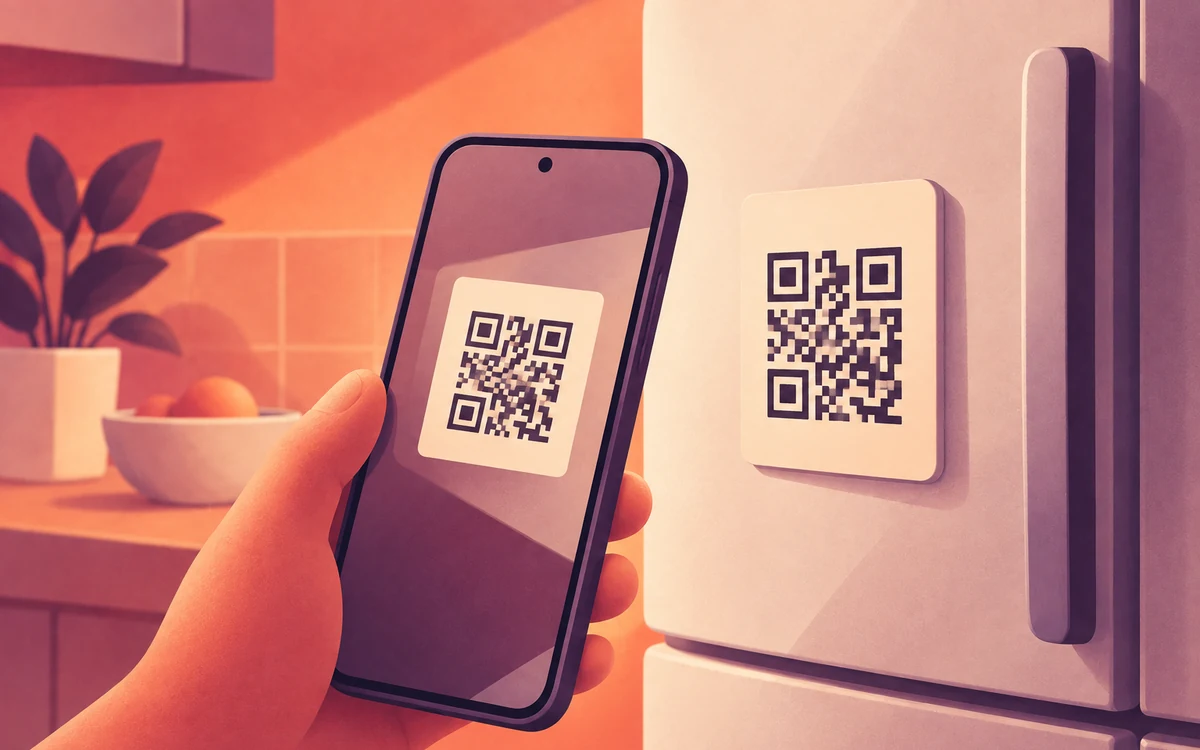
Turn an NFC Sticker Into a Physical App Blocker
Set up a reusable NFC tag to switch app blocking on or off from across the room. A step-by-step Screentide guide for Android.
Read articleReady-made Screentide setups for work, bedtime, family time and more, step by step.
Set up a reusable NFC tag to switch app blocking on or off from across the room. A step-by-step Screentide guide for Android.
Read articleNo NFC needed: print separate start and stop codes, then put the stop code somewhere you have to walk to. A step-by-step Screentide guide for Android.
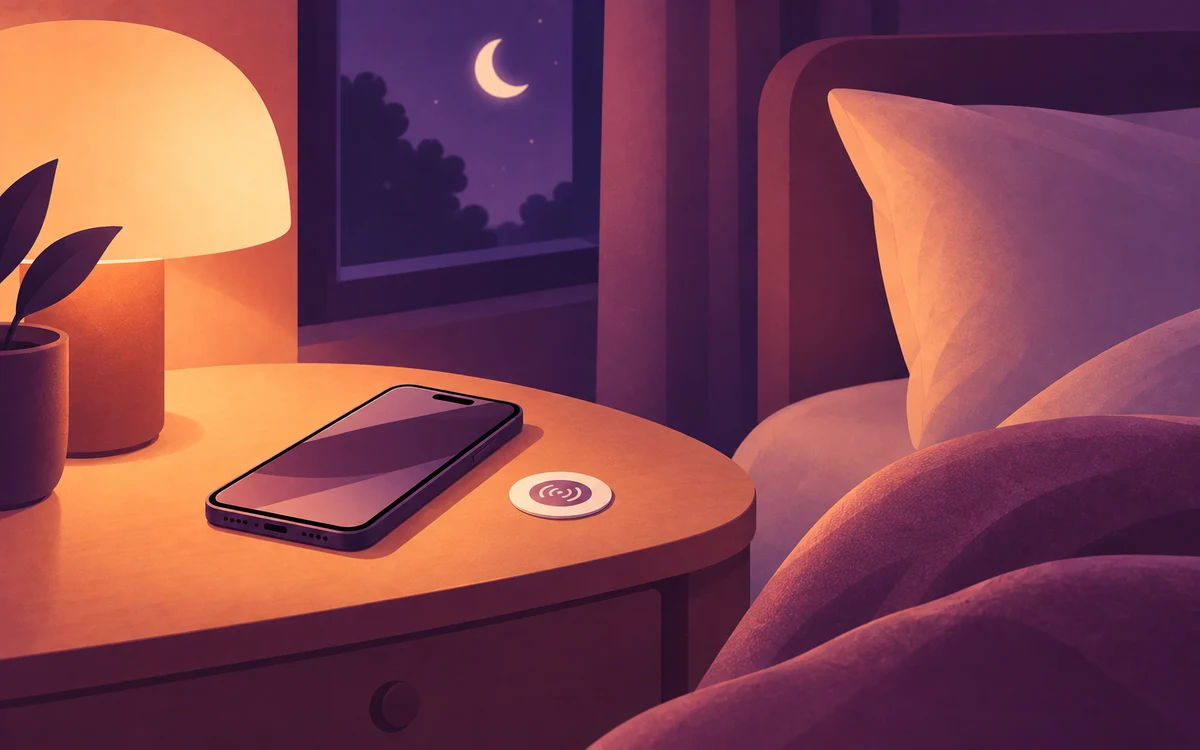
Read articleTap an NFC sticker by your bed to start blocking late-night apps, and put the only way to stop it in the kitchen. A step-by-step setup with Screentide, a free Android screen time app.
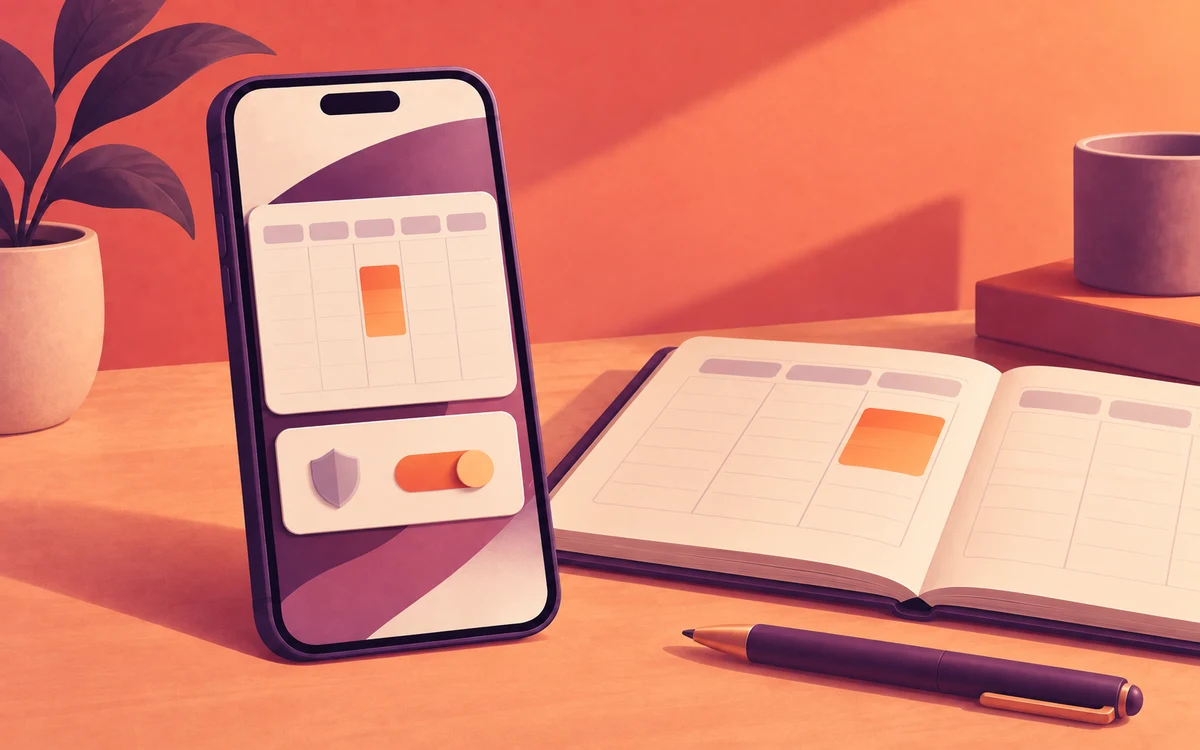
Read articleMake distracting apps step aside during your real meetings, lectures and shifts, even when they move. A step-by-step setup with Screentide, a free Android screen time app.
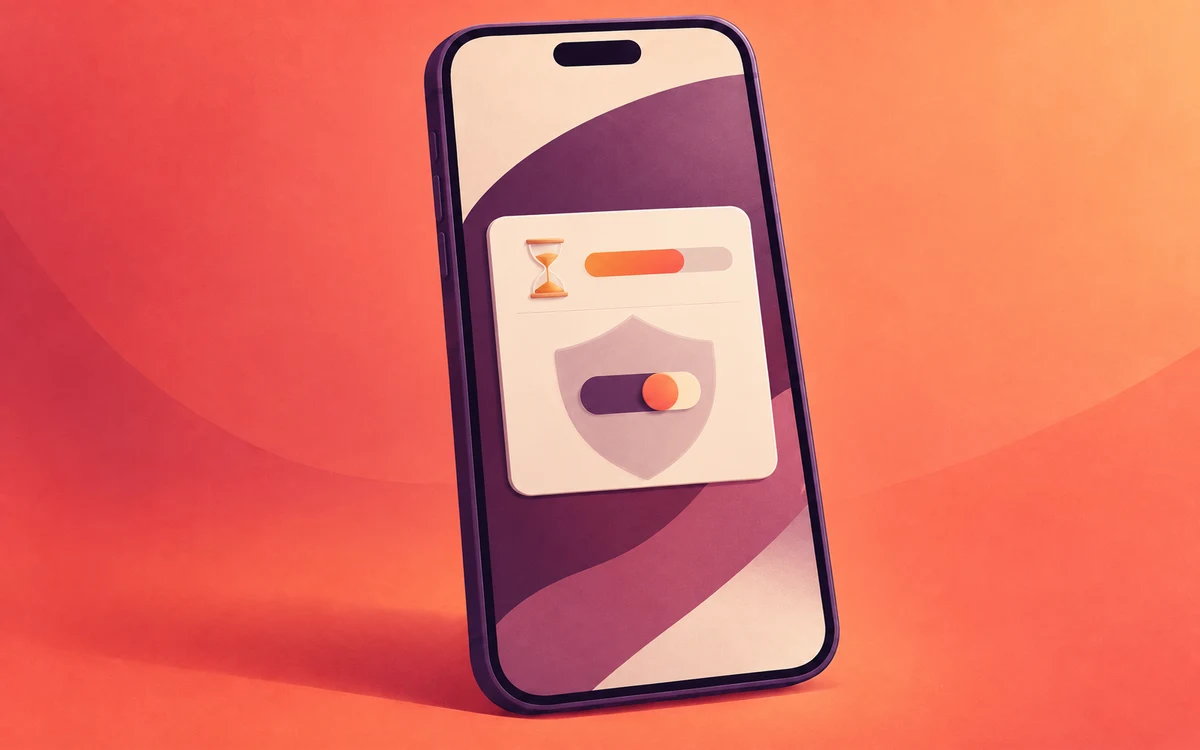
Read articleAdd a cooldown, device restart, or someone else's code before you can edit your Screentide rules. See how each challenge works and choose the right level of friction.
Read articleMake social feeds gradually slower or dimmer the longer you scroll, while your messages keep working. A step-by-step setup with Screentide for Android.
Read articleTap an NFC sticker on the dinner table to silence distracting apps during meals and time with friends. A step-by-step setup with Screentide for Android.
Read articleSilence distracting apps during work, then get every notification you missed when you finish. A step-by-step setup with Screentide for Android.
Read article
Available now
Coming soon