Create a “Together time” Switch that anyone at home can turn on with a tap or a scan. For the healthy habits behind it, read How to Be Present With Friends and Family.
You’ll need: one or two NFC stickers if your phone supports NFC. A QR code works too. The free plan includes one Switch, with up to 20 controls.
How Switches work
A Switch is an on/off condition that your rules can follow. You control it with NFC tags or QR codes, called controls. When a control is scanned, it can turn the Switch On, turn it Off, or Toggle it. One Switch can have many controls in different places.
Set up Together time
- Create a Switch named “Together time”.
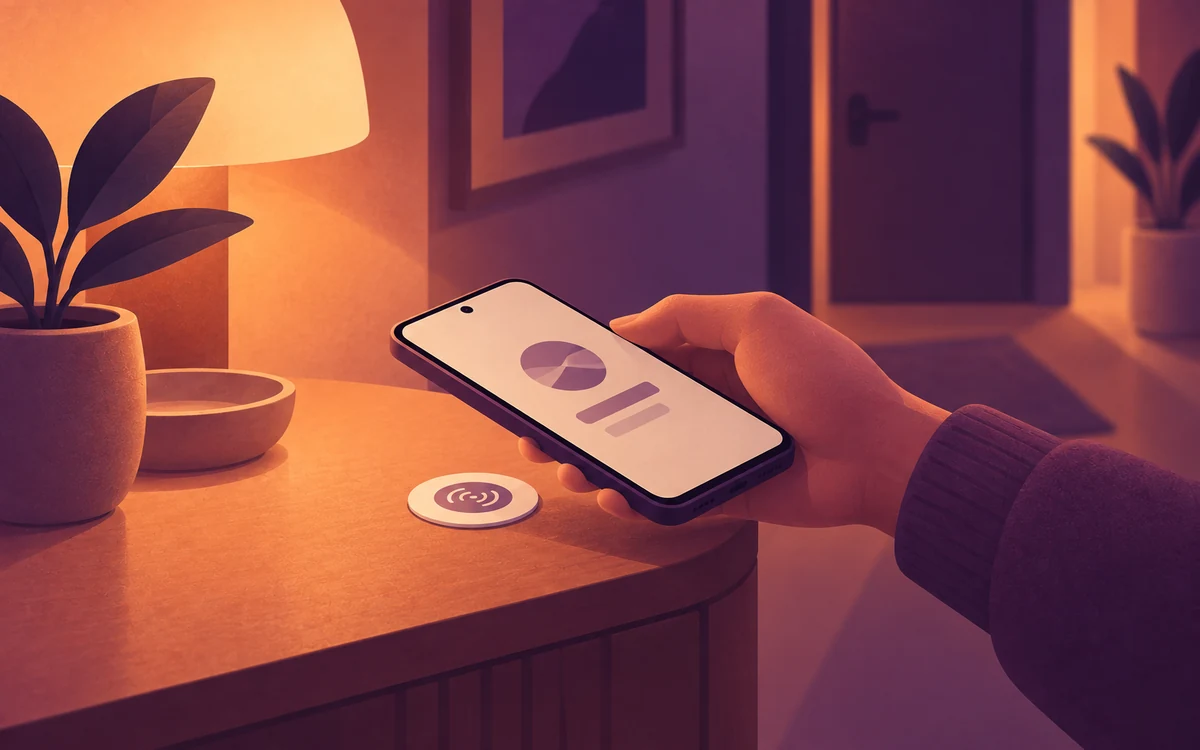
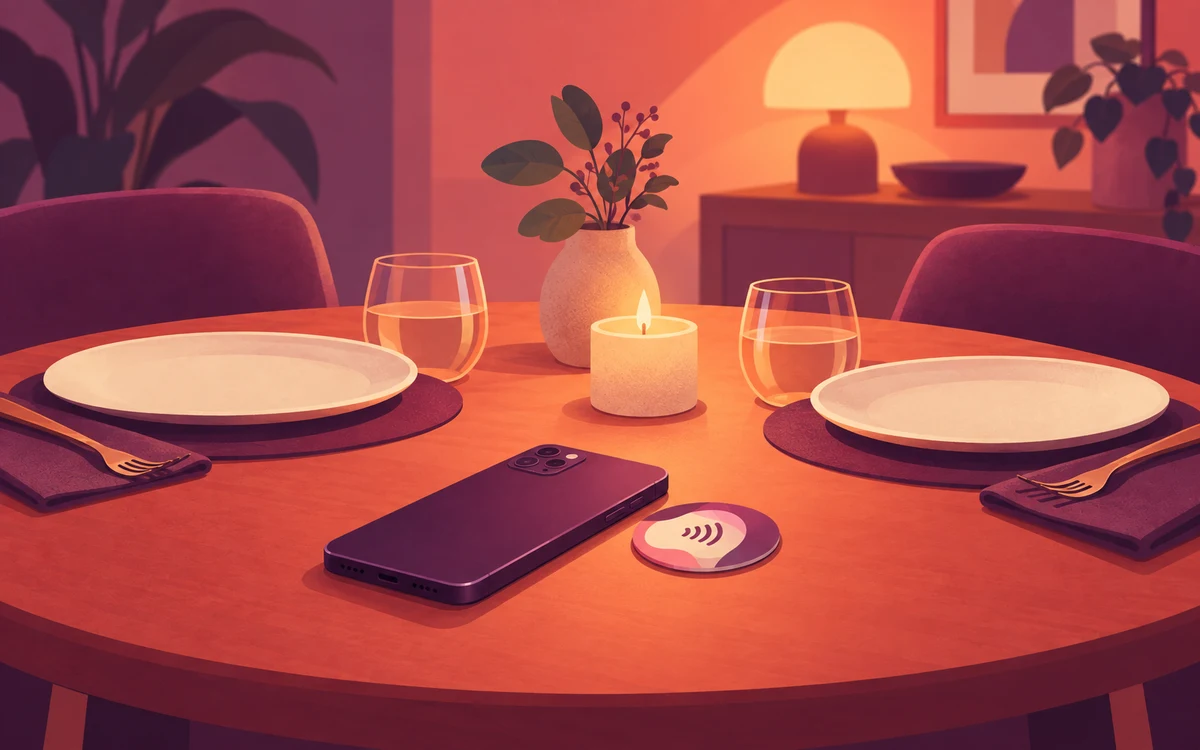
- Under Switch Controls, add an NFC Tag control set to On. Name it “Dinner table” and stick the tag there.
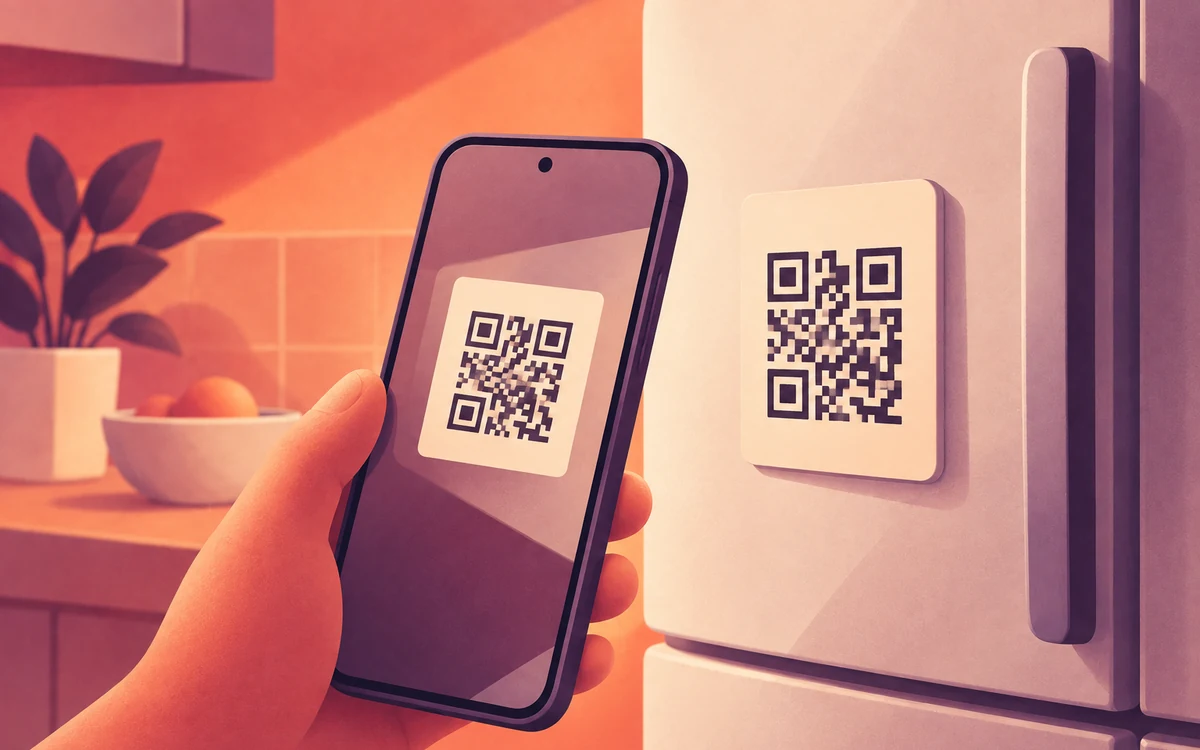
- Add a QR Code control set to On, and print it or save it for the fridge. Anyone at home can scan it with your phone.
- Add an NFC control set to Off and stick it by the front door, so the rule ends when you head out.
- Create a rule and add social media, news and games to the Watchlist. Leave messaging apps out if you need to stay reachable.
- Set Timing to Always. Under Triggers, choose Switch (NFC/QR) and set it to run while the Switch is on.
- Under Actions, choose Mute with Release Notifications set to Schedule End, or Block for a clean break.
Other ways to start it
- At a friend’s place: a Location trigger can run the same rule automatically when you arrive.
- Regular family dinners: a simple Weekly Schedule covers those nights without any tags.