Physical app blockers like Brick make you get up and tap the device to regain access to selected apps. You can test whether that extra step helps before buying one.
Why it works
Physical blockers add distance between you and the apps you want to avoid. In one study, people whose phones were in another room performed better on combined measures of working memory and fluid intelligence than people with phones on their desks (Ward et al., 2017). A commitment device also helps by making a decision in advance, which makes it harder to change your plan when you’re tempted (Bryan, Karlan & Nelson, 2010). A blocker you have to walk to adds a pause before you can change your mind.
Start with these
- Put your phone in another room. It’s free, and it’s the change the research actually tested.
- Give it a home by the door or in the kitchen, and charge it there, so “away” is where the phone lives, not a special effort.
- Decide what you’ll still need. Calls, maps, two-factor codes and music are common exceptions. App blockers let you choose which apps to block; a timed lock box puts the whole phone away.
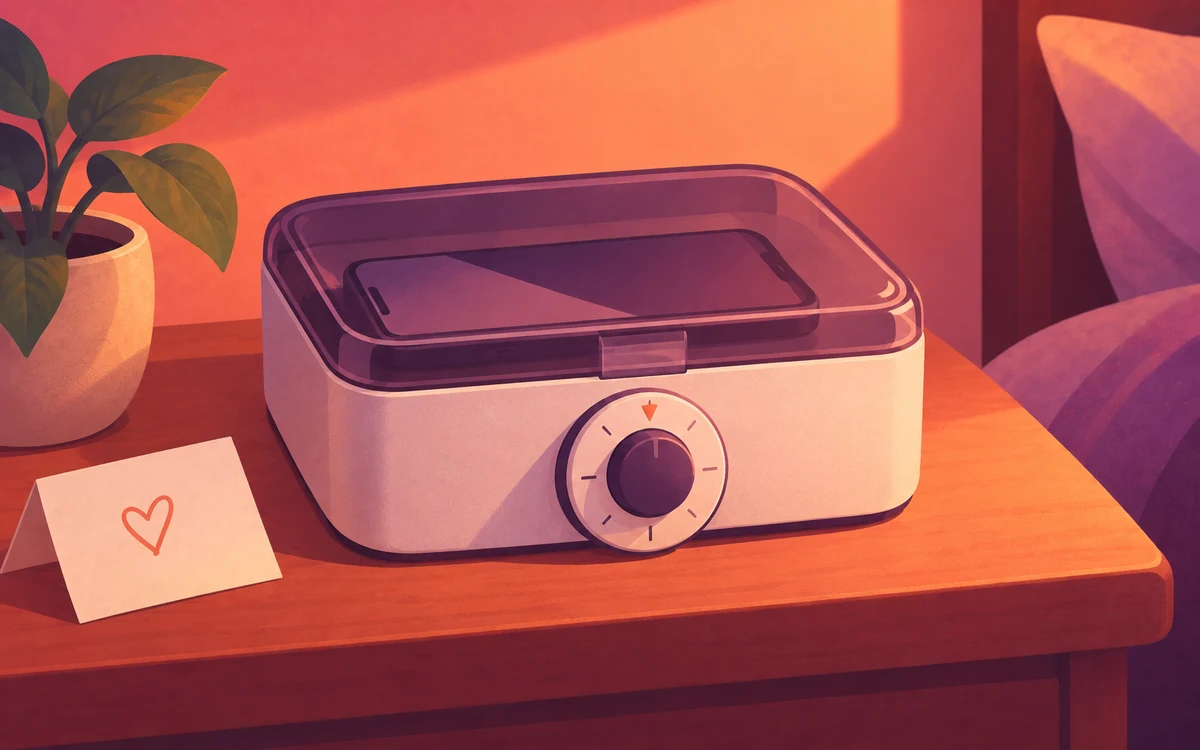
- Try a timed lock box if you want the whole phone gone for a few hours. There’s nothing to change and nothing to bargain with, but it locks away calls too.
When you need backup
- Built-in tools: Android’s Focus mode (in Digital Wellbeing) pauses the apps you choose, either on a schedule or when you turn it on. You can turn it off from the same settings, so there’s no physical step.
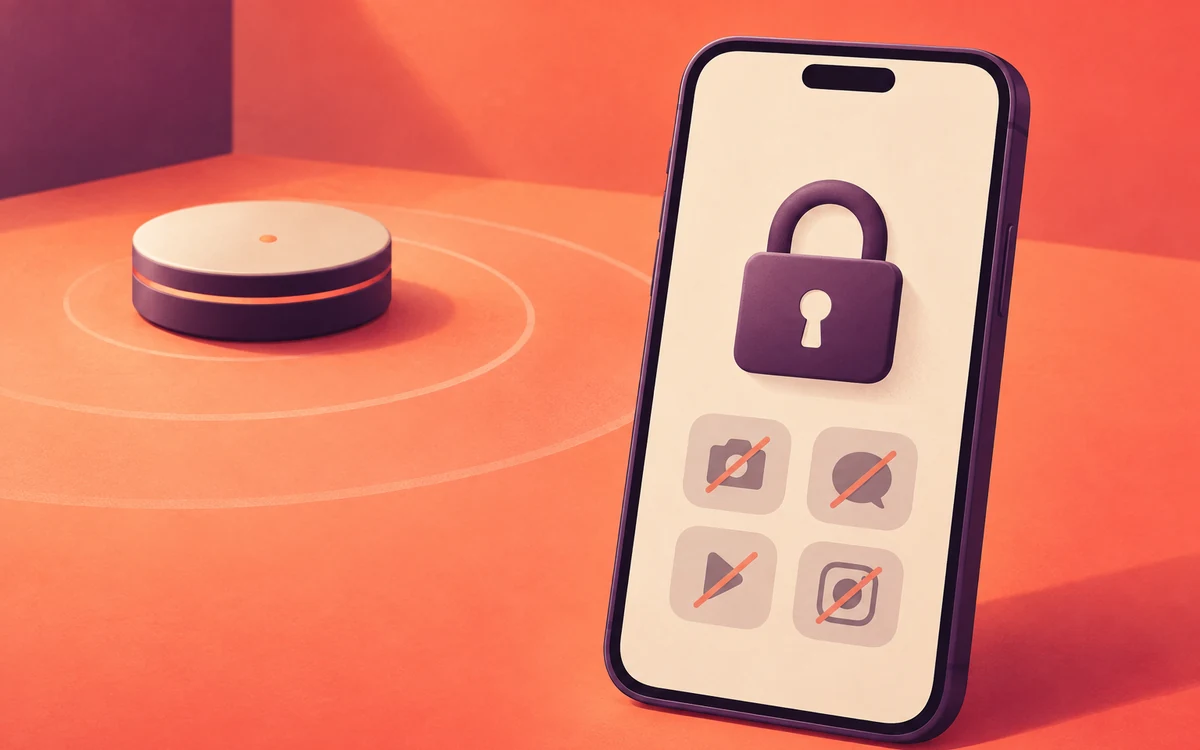
- A dedicated device: Brick is a magnetic NFC device. Tap your phone on it to block selected apps, then tap again to unblock. It is listed at $59 USD per device; its companion app has no subscription. Brick supports Android 12 and later and iOS 17 and later, and each device includes five emergency unbricks. Some other products bundle a tag with a subscription, so check the yearly cost, not just the price of the tag.
- An app blocker with NFC or QR support, such as Screentide, a free screen time app for Android. Place an NFC sticker or printed QR code away from your phone so turning blocking off requires a short walk. On the free plan, one Switch can have up to 20 tags or codes, so one pack of stickers can cover your nightstand, desk and front door.
| Option | Upfront cost | Ongoing cost |
|---|---|---|
| Phone in another room | $0 | $0 |
| Screentide with a printed QR code | $0 | $0 |
| Screentide with NFC stickers | Varies by pack | $0 |
| Brick | $59 USD per device | $0 |
| Subscription-based tags | Varies | Yearly subscription |
Prices as listed by each company in September 2026.
Brick is a ready-made device with Android and iPhone support. A DIY Screentide setup works on Android and takes a little configuration; add an Enforcement Protection challenge to make changing or removing the rule harder. A challenge protects the rule, but does not prevent a person from using another control configured for that Switch.
For step-by-step setups, see Turn an NFC Sticker Into a Physical App Blocker or, with no NFC at all, Turn a Printed QR Code Into a Physical App Blocker.
The bottom line
Before buying a device, try leaving your phone in another room. If you want to keep the rest of your phone available while blocking selected apps, an NFC sticker or printed code adds a physical step.