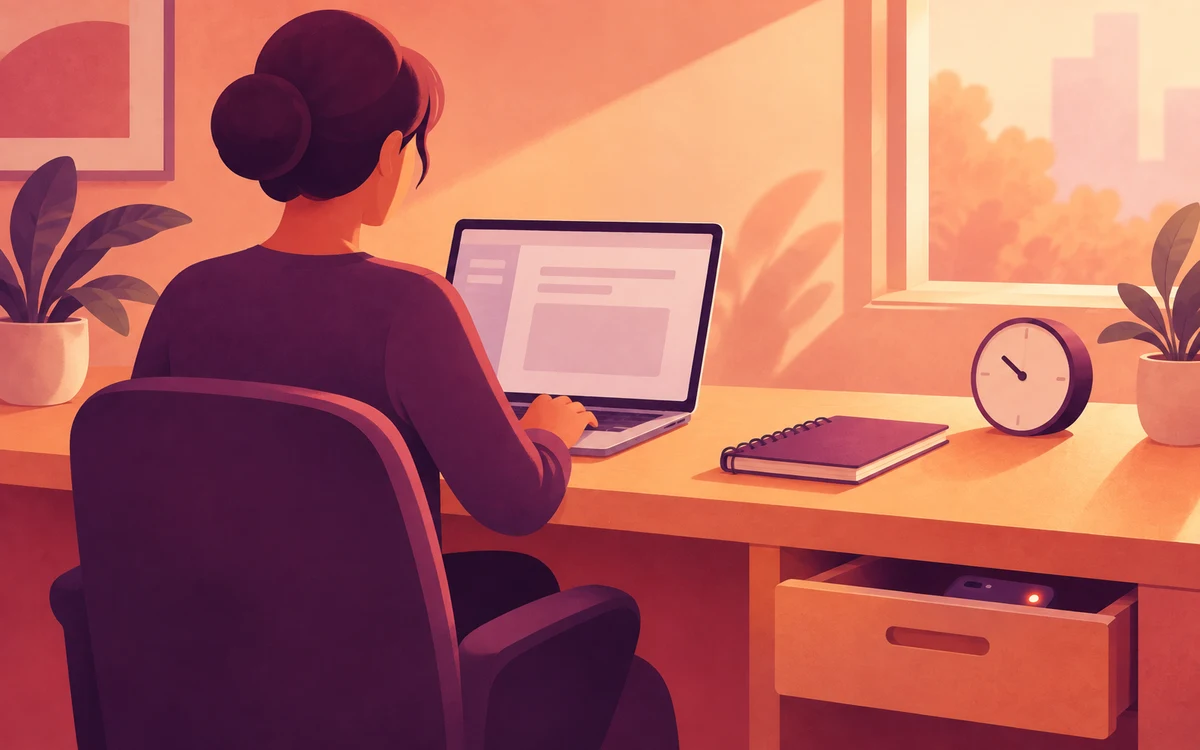
You’ve blocked out two hours for deep work, but notifications and app checks can still interrupt that time. The calendar entry is there, but it doesn’t prevent those interruptions on its own.
Why it happens
Plans work best when they’re specific: “When X happens, I’ll do Y.” A meta-analysis of 94 studies found that these if-then plans had a medium-to-large effect on reaching goals (Gollwitzer & Sheeran, 2006). A calendar block is already half of that plan: when it’s 9 am on Tuesday. What’s usually missing is the then.
Start with these
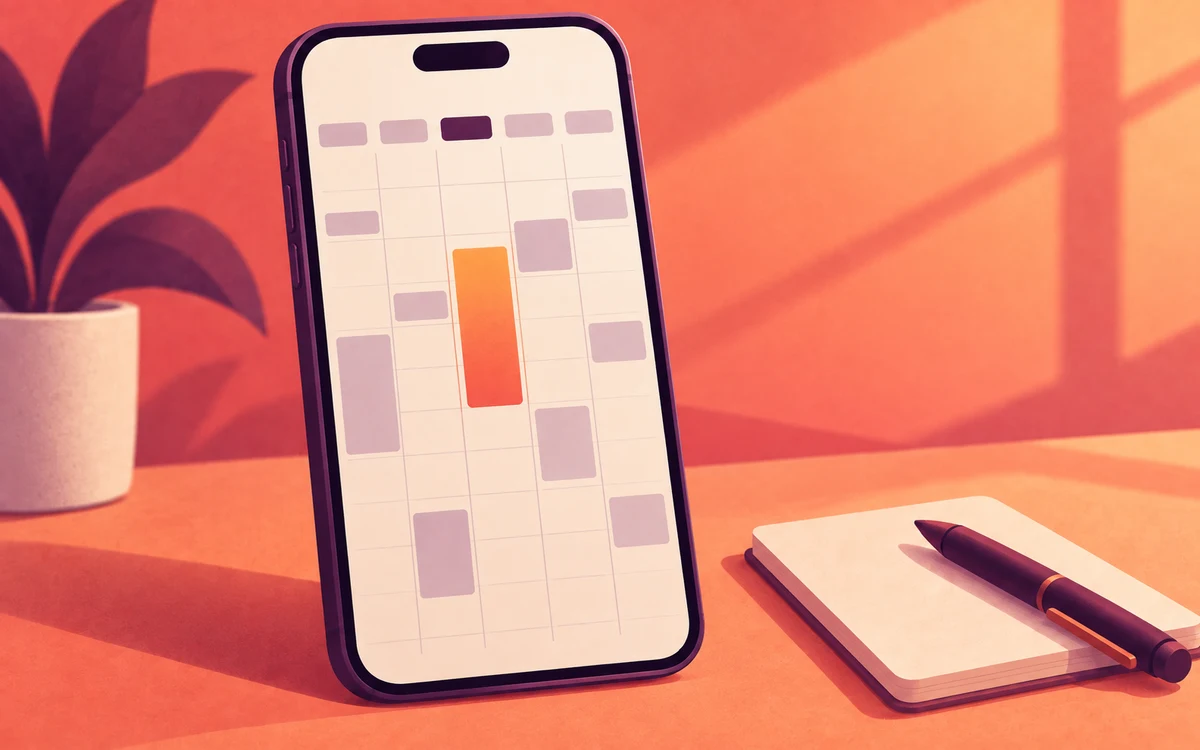
- Time-block your week. Every Sunday, put focus blocks in your calendar, including breaks.
- Write one if-then plan per block, such as “If I reach for my phone, I’ll write the thought on a notepad instead.”
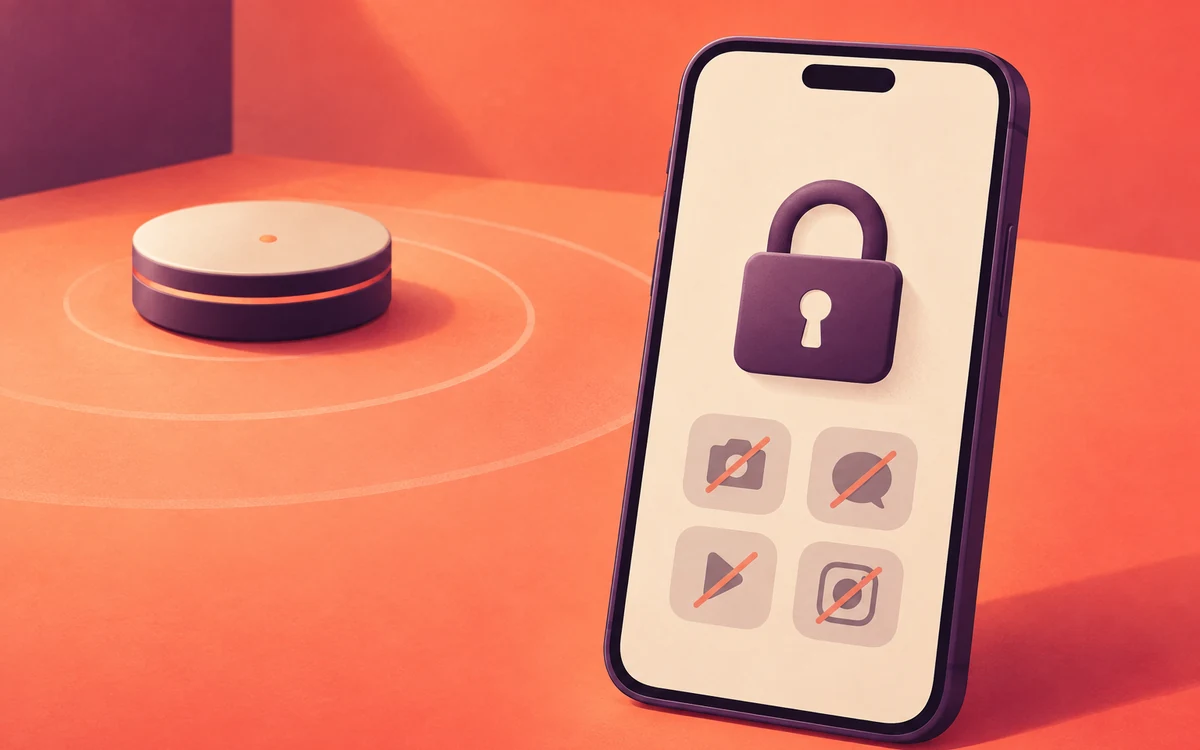
- Put the phone in another room for the length of the block.
- Tell people. A shared calendar or a quick “heads down until 11” keeps colleagues from interrupting.
When you need backup
- Built-in tools: Android’s Digital Wellbeing Focus mode can pause distracting apps on a weekly schedule, which suits focus time that doesn’t move. iPhone’s Focus modes work in a similar way.
- An app blocker such as Screentide, a free screen time app for Android, can follow your actual calendar, in two ways. Event Sync links one event, such as a weekly lecture or an exam. Event Match covers every event that fits your conditions, such as anything titled “meeting” in your work calendar, and picks up new ones automatically. Either way, distracting apps are held back only while the event is happening, your limits move when the event does, and you can see them side by side with your events.
The Screen Time Limits That Follow Your Calendar playbook walks through the Screentide setup.
The bottom line
A calendar block helps you make a plan. An if-then habit and a tool that follows the block can make it easier to stick to that plan.