You pick up your phone to check the time and surface 15 minutes later in someone’s holiday photos. At work those checks add up fast, and most of them start with a notification you didn’t need right then.
Why it happens
Interruptions can affect how work feels as well as how long it takes. In one study, people finished tasks faster despite being interrupted, but reported more stress, frustration and time pressure (Mark, Gudith & Klocke, 2008). Another study found that people whose notifications were batched three times a day felt more focused, productive and less stressed, while those who turned notifications off entirely felt more anxious about missing out (Fitz et al., 2019). You can keep urgent calls available while holding other notifications until a time that suits you.
Start with these
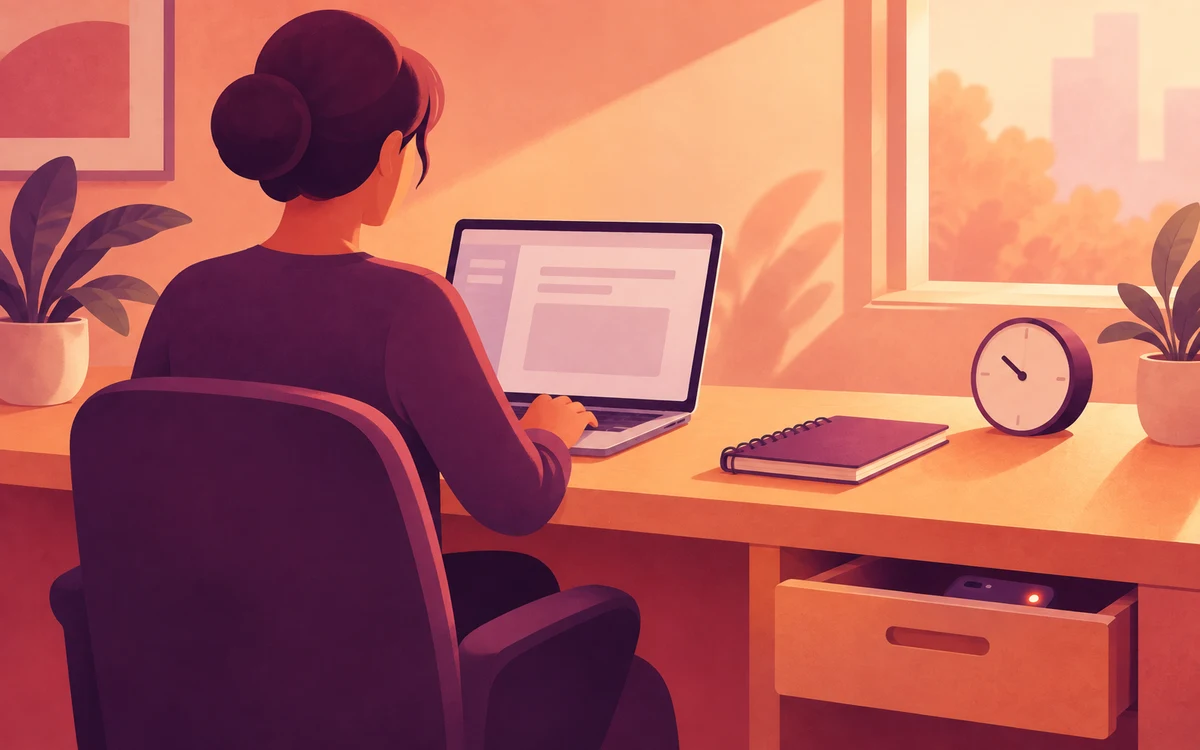
- Keep your phone out of reach. A drawer or your bag is enough to break the automatic reach.
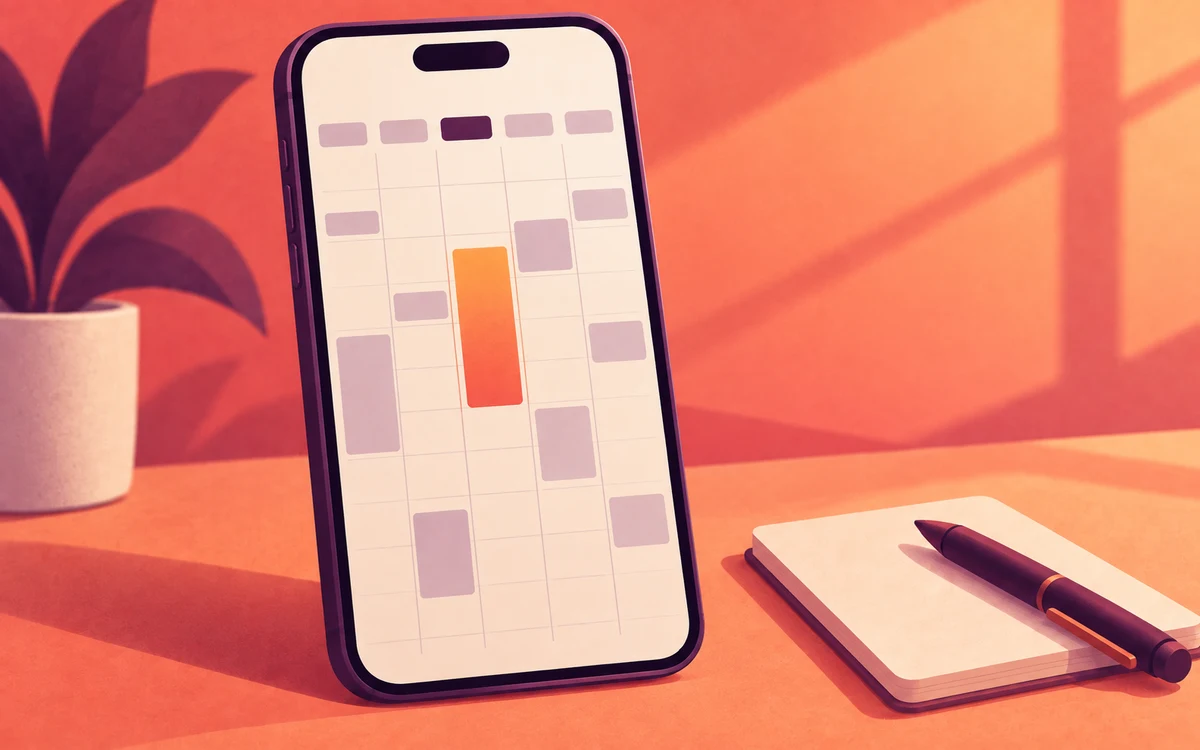
- Check at set times. Pick two or three moments in the day, such as mid-morning, lunch and mid-afternoon, and batch your replies.
- Cut notifications at the source. In each app’s settings, turn off everything that isn’t a person talking to you.
- Tell people how to reach you urgently. A phone call gets through, and the rest can wait.
When you need backup
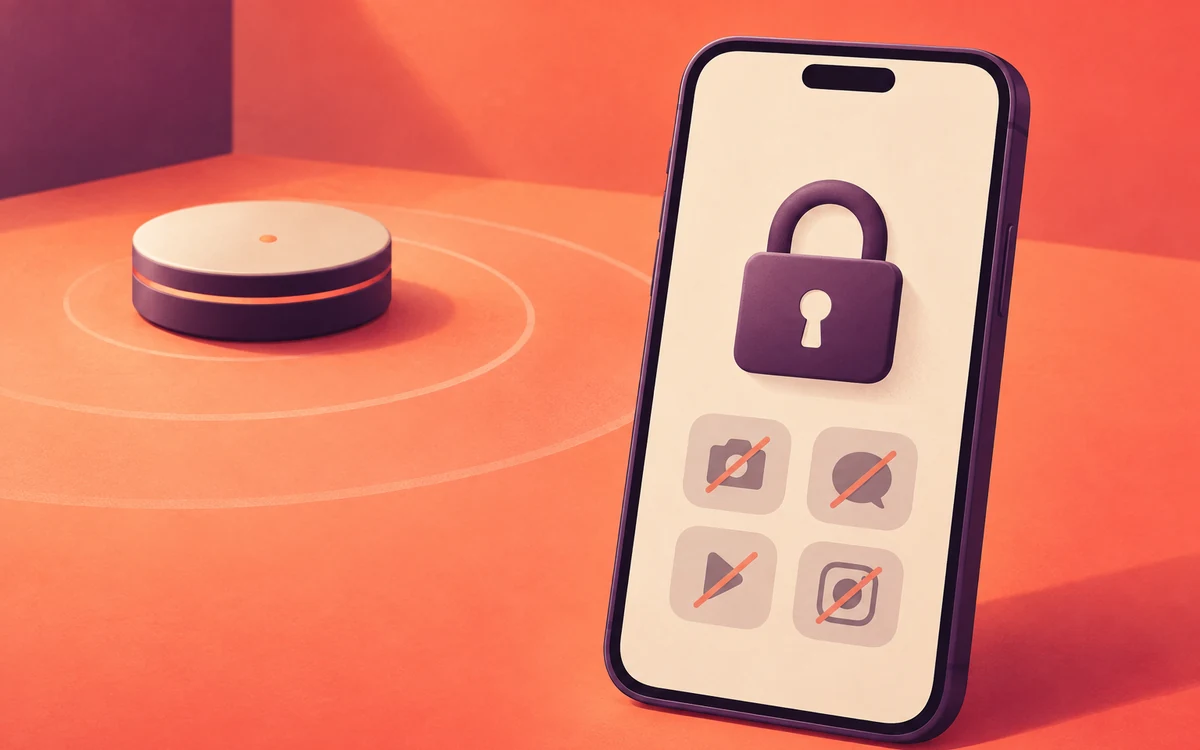
- Built-in tools: Android’s Digital Wellbeing Focus mode pauses chosen apps and their notifications on a schedule. On iPhone, a Work Focus does something similar.
- An app blocker such as Screentide, a free screen time app for Android, can hold notifications and release them together at a set time, similar to the notification batching studied. It can also start when you’re connected to the office Wi-Fi, which is useful on a hybrid schedule.
The Hold Work-Hour Notifications Until You Clock Off playbook has the step-by-step Screentide setup.
The bottom line
Put the phone out of reach, check it on purpose a few times a day, and let a tool hold everything else until you’re ready.