Hold social and news notifications during work, and get them all at once when you finish. For the reasoning and the habits that go with it, read How to Stop Checking Your Phone at Work.
You’ll need: nothing extra. Everything here works on the free plan.
Hold notifications during work hours
- Create a new rule, and add the apps that distract you at work to the Watchlist: social media, news, YouTube.
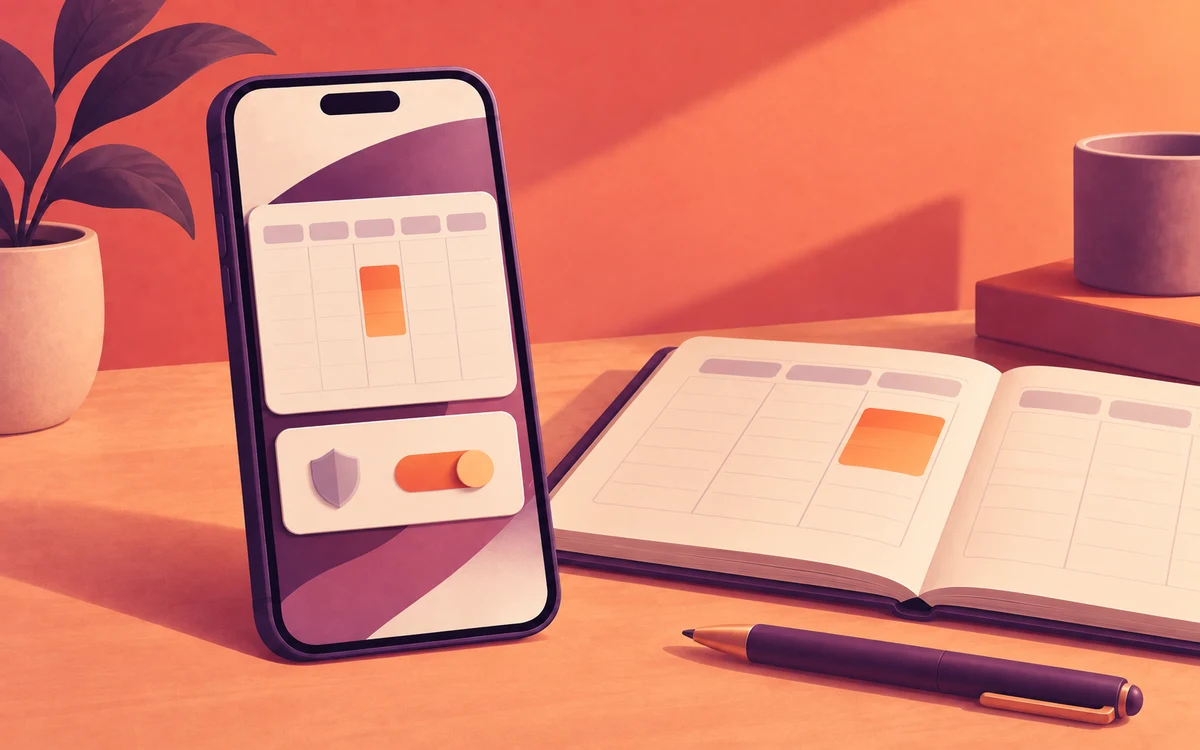
- Under Timing, choose Weekly Schedule and set your working hours, for example 9 am to 5 pm, Monday to Friday.
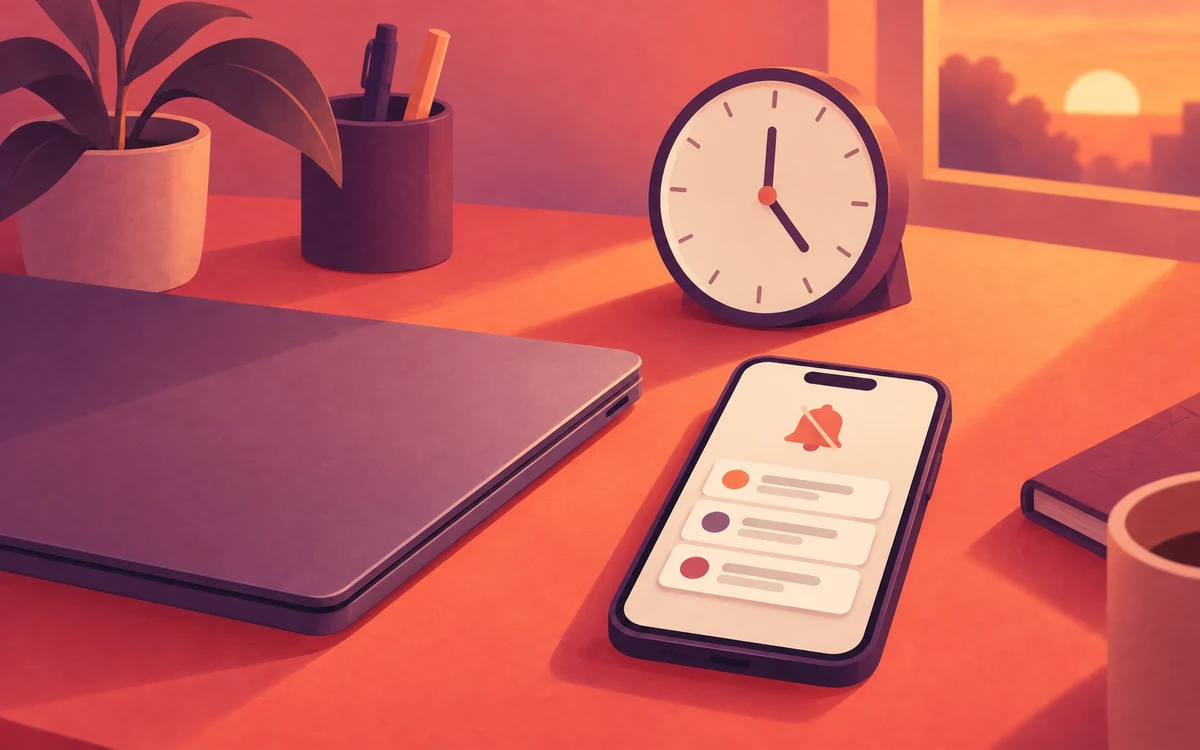
- Under Actions, choose Mute, and set Release Notifications to Schedule End. Everything you missed arrives when the rule ends.
- Optional: go to Enforcement Protection and add a Cooldown challenge, so a slow afternoon can’t quietly switch the rule off.
Fit it to how you work
- Only at the office: set Timing to Always, then add a Wi-Fi trigger set to On network and choose your office network. You can also use a Location trigger. The rule follows your office network instead of set hours, which suits hybrid schedules.
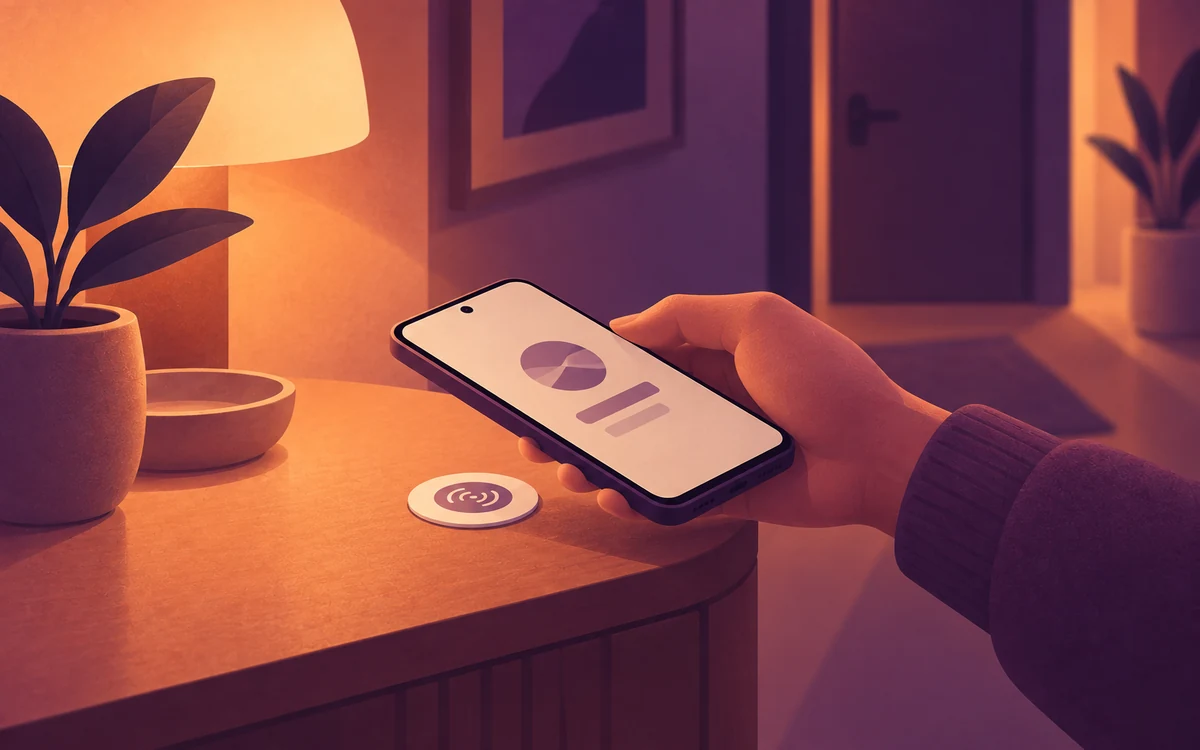
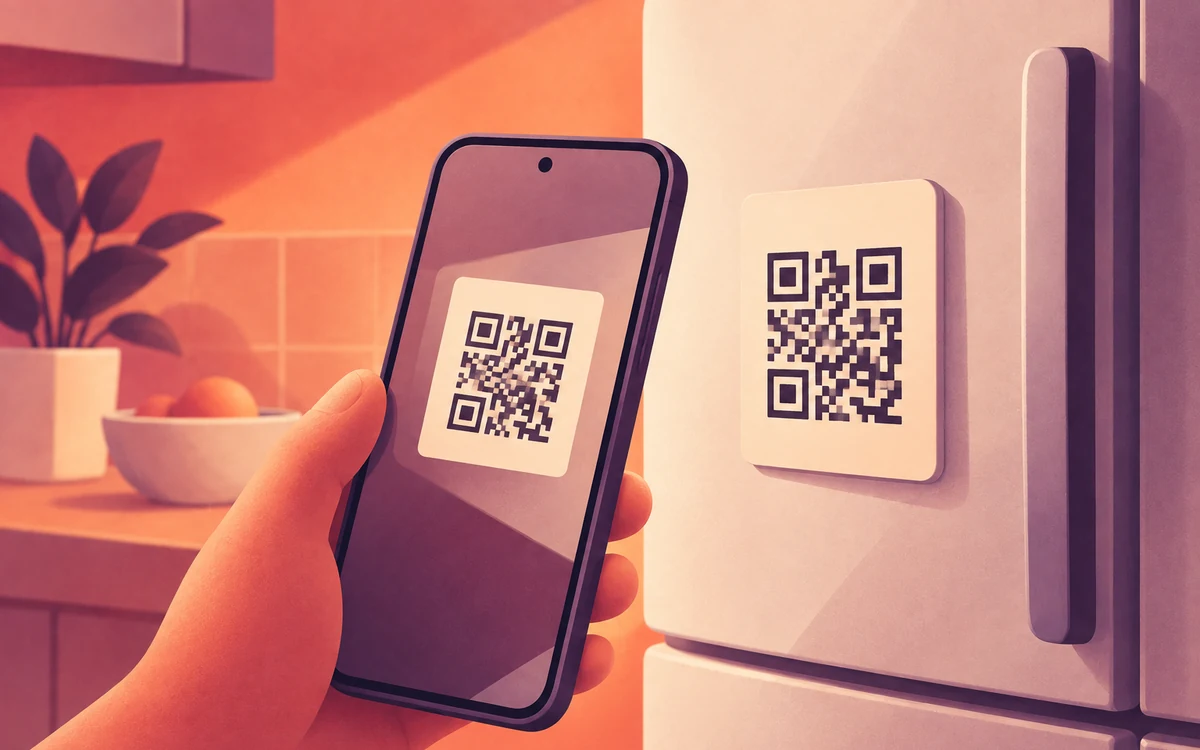
- Working from home: create a Switch, an on/off setting you flip by tapping an NFC sticker, and give it two NFC controls. Set one to On and stick it on your desk, then set the other to Off and put it by the door. Set Timing to Always and add a Switch (NFC/QR) trigger. Tap in when you start and tap out when you finish.
- Feeds still pulling you in: add Slow, so feeds crawl while messages still send. Stacking Slow and Mute on one rule needs Gold.