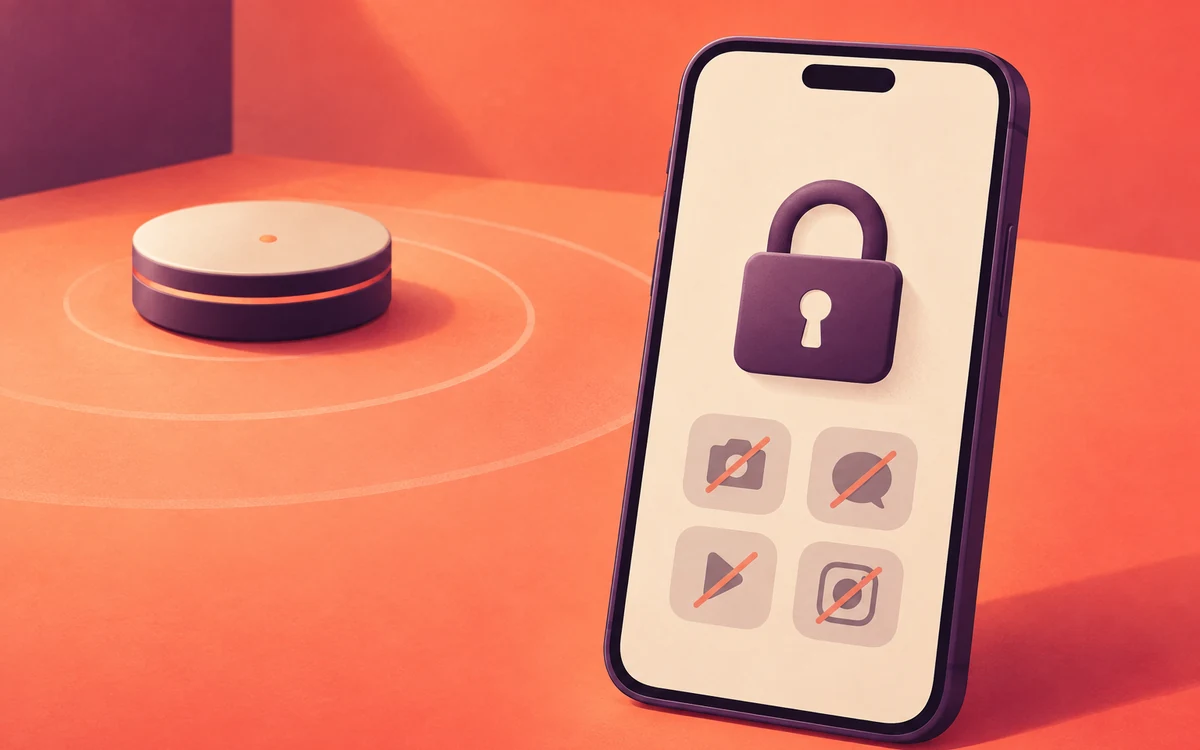
You set the limit while you’re calm and motivated. Then, at 11 pm, a different version of you taps “ignore limit for today”, and the limit is gone. If that sounds familiar, the problem isn’t your limits. They’re just too easy to undo.
Why it happens
The person who sets a limit and the person tempted to break it want different things. That’s why commitment devices, which lock in a choice in advance, help people stick to their goals (Bryan, Karlan & Nelson, 2010). One study found that people who set their own deadlines did better than those with none, but not as well as those given deadlines by someone else (Ariely & Wertenbroch, 2002).
Start with these
- Uninstall the worst app. If you still need it now and then, use the browser version, which takes more effort and is less polished on purpose.
- Try a minimal launcher that hides app icons, so opening anything takes a deliberate search.
- Use a physical lock box. Timed boxes lock your phone away for a set time, with no settings to change and nothing to bargain with. For a lock on just your apps, see Physical App Blockers: Do You Need to Buy One?
- Involve someone else. Tell a friend or partner your goal, and ask them to check in.
When you need backup
- Built-in tools: Android’s Digital Wellbeing limits are easy to lift with a tap, which is exactly the problem. Parental control apps like Google Family Link lock settings harder, but they’re designed for children.
- An app blocker such as Screentide, a free screen time app for Android, lets you lock your own limits. Edits can require a cooldown timer or a phone restart. Or you can hand an accountability partner a PIN, or an authenticator code they keep on their own phone. They don’t need Screentide installed, and only they can unlock your settings.
The Make Your Screen Time Limits Harder to Turn Off playbook walks through each option, from gentle to strict.
The bottom line
Don’t rely on willpower at 11 pm. Make undoing your limits slow, inconvenient, or someone else’s decision.