Add gentle friction to feeds, first when you open them and then while you scroll. For the research and the habits that go with it, read How to Stop Doomscrolling Without Quitting Social Media.
You’ll need: nothing extra. Slow uses an on-device VPN, and Screentide asks for permission when you first use it. Traffic isn’t routed through any server.
A pause before you open
- Create a rule and add your feeds to the Watchlist, such as TikTok, Instagram, Reddit and YouTube.
- Under Timing, choose Weekly Schedule and cover your worst times, such as evenings.
- Under Actions, choose Pause and set Pause method to Breathing exercise.
- Set Reshow pause to On reopen, so the pause comes back every time you return.
Friction while you scroll
- In the same rule, or a new one, choose Slow under Actions.
- Set the strength mode to Progressive. Choose a Starting speed and an Ending speed, then set Reach end level after to 20 minutes.
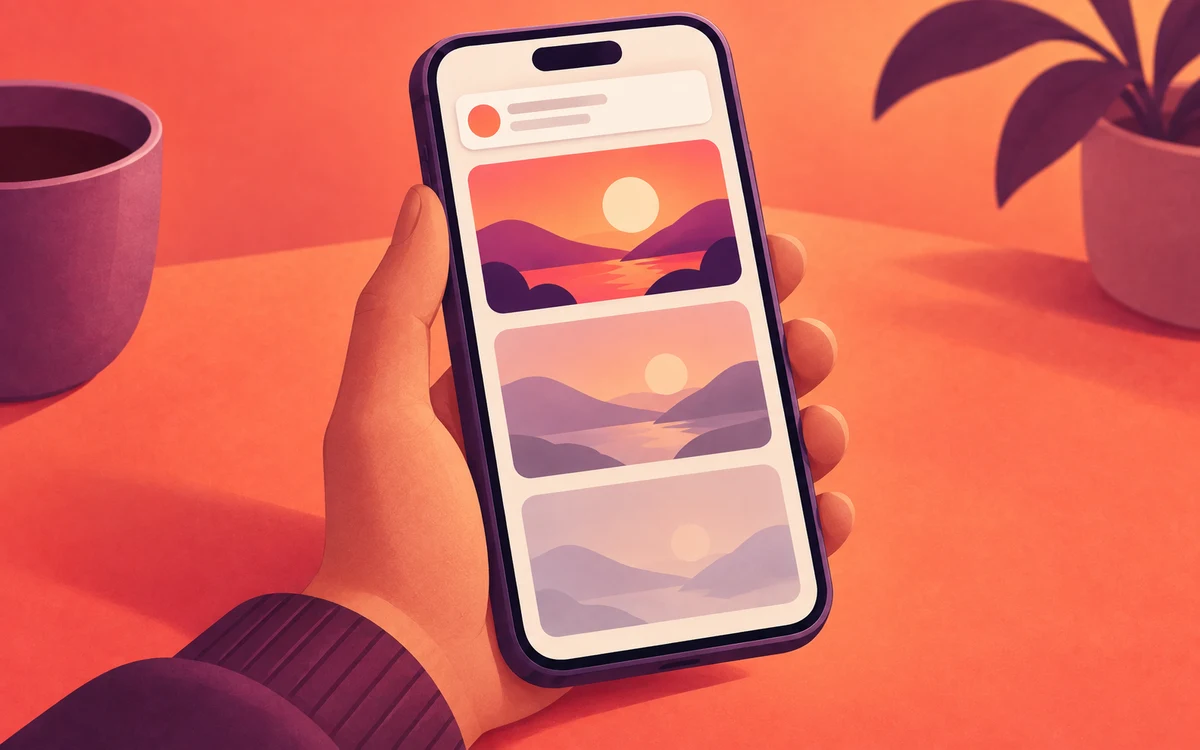
- For the first few minutes, everything works normally. As your daily use adds up, videos start to stutter, while messages and DMs still send.
Prefer something visual? Tint covers the distracting app with a translucent colored overlay while leaving it usable. Choose Black (the default), Red, Amber, Green, Blue, Purple or White; white washes the app out. Strengths are Subtle (45%), Medium (60%), Strong (75%) and Heavy (85%). Fixed mode keeps one strength; Progressive mode ramps from a starting strength (or no tint) to an ending strength over 5–60 minutes. The selected color stays the same while the strength changes.
Use both
Stacking Pause and Slow on one rule needs Gold. On the free plan, use two of your three rules instead.
Make it harder to undo
Add a Cooldown challenge in Enforcement Protection, so the rule can’t be switched off on a whim.