Quitting social media sounds great until you miss the group chat, the event invite or the one account you actually like. Many people want to keep those parts while spending less time scrolling through feeds they don’t enjoy.
Why it happens
Feeds are designed to be vivid, fast and endless. Take away some of that pull and people naturally use them less. When students set their phones to grayscale for a week, they cut about 38 minutes of phone use a day, mostly from social media and browsing (Holte & Ferraro, 2020). Small moments of friction help, too. In a six-week field study of one sec, users made 57% fewer openings of selected apps by the end (Grüning, Riedel & Lorenz-Spreen, 2023). The intervention combined a breathing pause, a prompt and the option to close the app.
Start with these
- Move feeds off your home screen. Put them in a folder on the last page, so opening them is a choice, not a reflex.
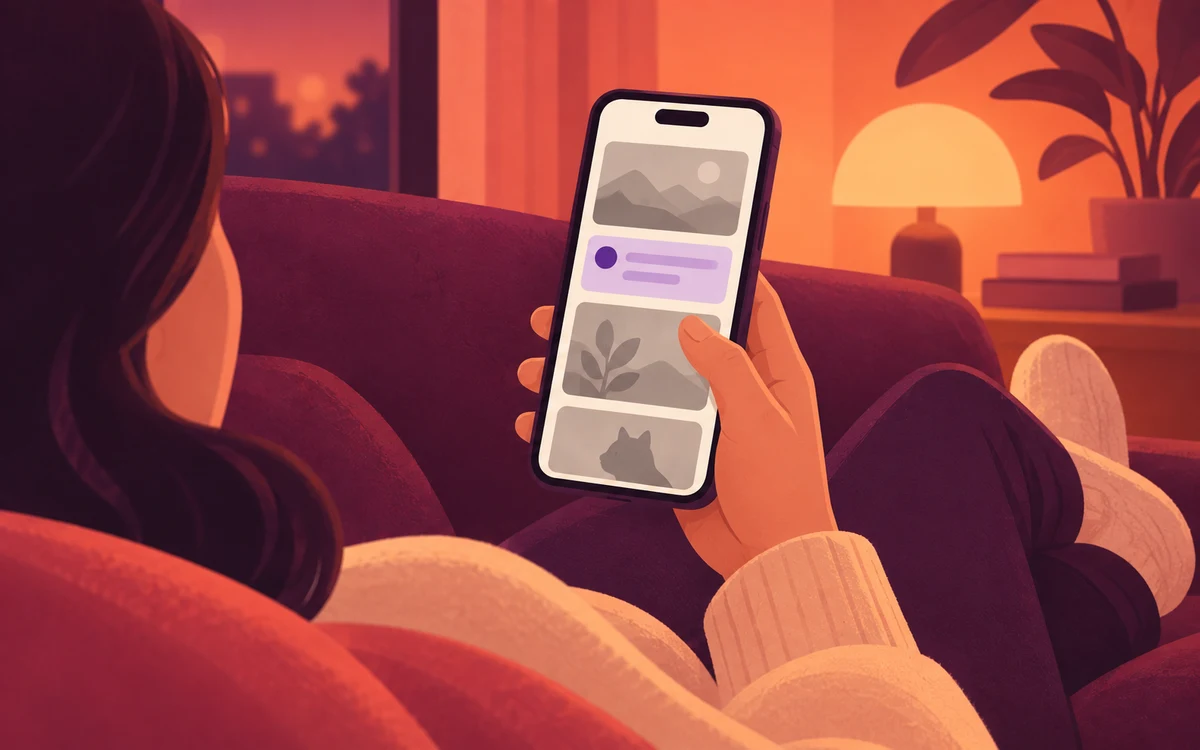
- Turn on grayscale in the evening. It’s in your phone’s accessibility settings. Colourless feeds are surprisingly dull.
- Log out after each session. Having to sign back in is enough friction to make you ask if you really want to.
- Decide what you’re opening it for. “Reply to Sam, then close it” beats “just a quick look”.
When you need backup
- Built-in tools: Android’s Digital Wellbeing lets you set a daily timer for each app, and its Bedtime mode can turn the screen grayscale on a schedule. iPhone has App Limits in Screen Time.
- An app blocker such as Screentide, a free screen time app for Android, can slow a feed’s connection or progressively strengthen a colored tint over selected apps. Messages continue working while videos load more slowly, which may help you stop without blocking access entirely.
The Slow Down Endless Feeds playbook has the step-by-step Screentide setup.
The bottom line
You can keep using social media while spending less time in its feeds. Start by adding friction at the times you most often lose track of time.