Scrolling in bed for “just five minutes” can easily stretch past midnight. Set a limit before you lie down, while you’re still alert enough to follow it.
Why it happens
Late-night screens cost more than time. In a sleep lab study, people who read on a light-emitting device before bed took longer to fall asleep, had suppressed melatonin and a later body clock, and felt less alert the next morning than when they read a printed book (Chang et al., 2015). Tired brains also make poor decisions, which is why it helps to commit in advance (Bryan, Karlan & Nelson, 2010).
Start with these
- Charge your phone outside the bedroom. It’s the single most effective change, because you can’t scroll a phone you can’t reach.
- Use a real alarm clock. It’s cheap, and it removes the main excuse for keeping the phone by the bed.
- Keep something else on the nightstand, like a book, a puzzle or a notepad for tomorrow’s to-do list.
- Set a wind-down time, and treat it like an appointment.
When you need backup
- Built-in tools: Android’s Bedtime mode (in Digital Wellbeing) can silence your phone and turn the screen grayscale on a schedule, or while it charges at night. iPhone’s Sleep Focus and Downtime are similar.
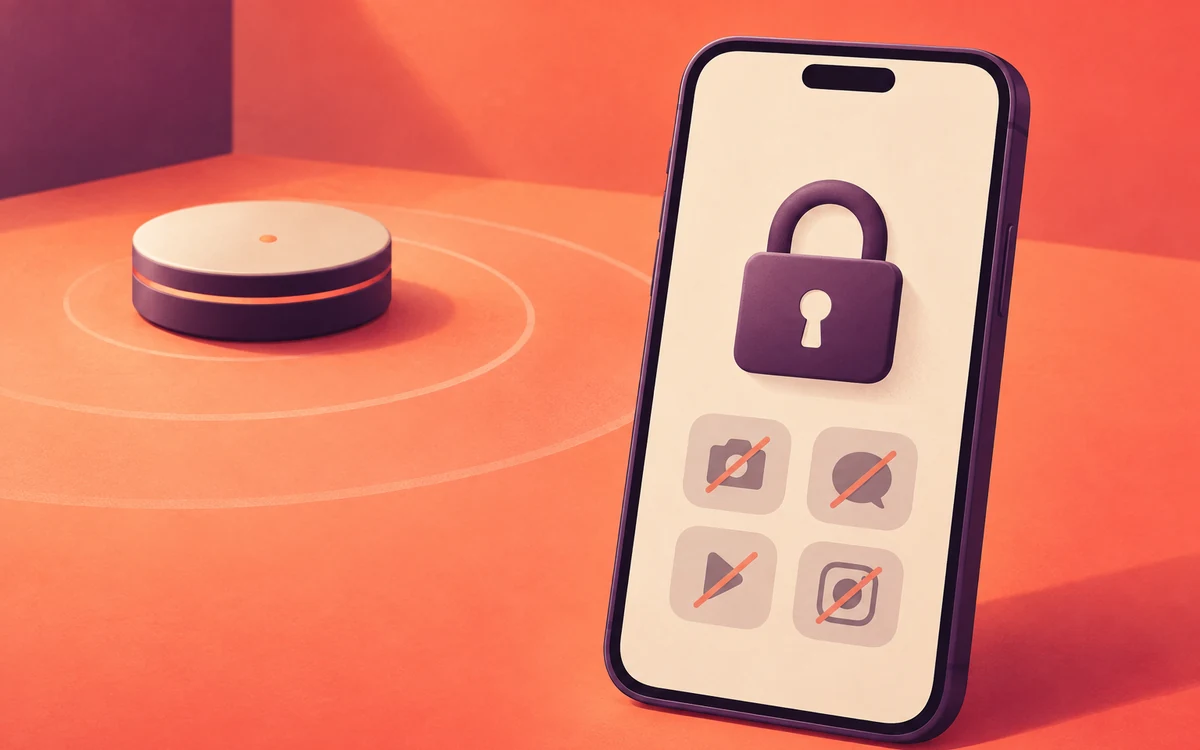
- An app blocker such as Screentide, a free screen time app for Android, can make switching off your bedtime limits take real effort. Tap an NFC sticker on your nightstand to start blocking late-night apps. To switch it off, you have to walk to a second sticker in the kitchen, and by then you’re awake enough to decide on purpose.
The NFC Bedtime App Blocker playbook has the step-by-step Screentide setup.
The bottom line
Set your bedtime limit before you’re tired, then charge your phone outside the bedroom so you can’t reach it from bed.