one sec has unusually strong published evidence for a screen-time app: in a six-week study, 280 participants who completed it made 57% fewer openings of their selected apps by the end. On Android, the free plan covers one app; scheduled blocks are in beta, and several Pro features, including strict block sessions and website blocking, aren't available. Here are other options if you want more.
Quick comparison
Android only. Tap a cell marked "Some" to see the catch.
- Yes
- Some support
- Paid
- Not verified
- Planned
- No
| Feature |  one sec one sec |  Screentide Screentide |  ScreenZen ScreenZen |  AppBlock AppBlock |  StayFree StayFree |
|---|---|---|---|---|---|
| Android essentials | |||||
| Websites | |||||
| Usage limits | |||||
| Recurring schedules | |||||
| Calendar sync | |||||
| Location triggers | |||||
| NFC / QR triggers | |||||
| Mindful pauses | |||||
| In-app friction | |||||
| Full blocks | |||||
| App usage history | |||||
| Website usage history | |||||
| Usage trends | |||||
| Streaks | |||||
| Also on iOS | |||||
| Price |
View sources
- ScreenZen on Google Play
- ScreenZen website and FAQ
- AppBlock Android help
- AppBlock free and Premium features
- one sec on Google Play
- one sec peer-reviewed six-week study (PNAS)
- What's included in one sec pro
- one sec Android block schedules
- one sec Android Reels and Shorts
- one sec Android website limitations
- StayFree on Google Play
See the full Android feature comparison for more detail on Screentide, ScreenZen, Opal, AppBlock and one sec.
1. Screentide
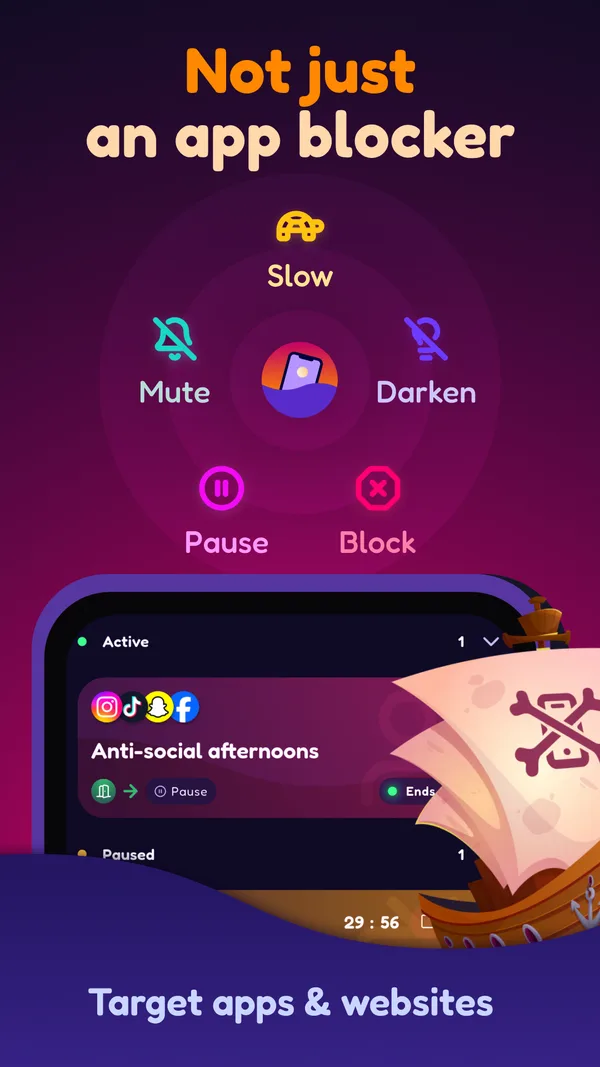
Screentide also offers a breathing pause before an app opens, plus Slow and Tint to make long sessions less appealing.
- Best for
- People whose days don't run to a fixed schedule, and who want more options than pause or block.
- Price
- Free for 3 rules. Gold is a low-cost subscription or a one-time purchase.
How it works
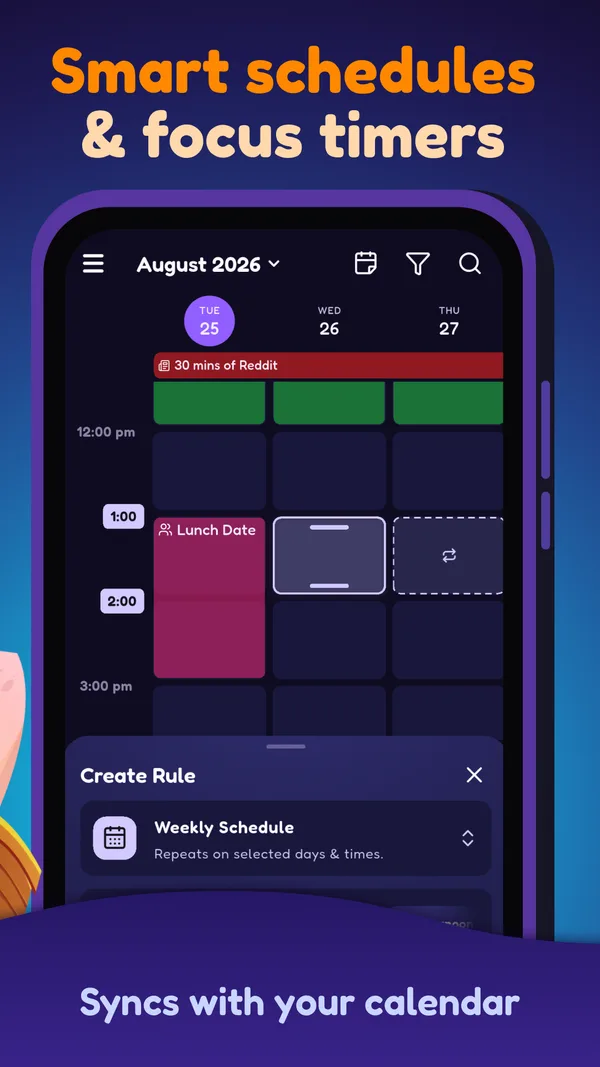
Pick your apps and sites, choose when the rule applies (a schedule, calendar event, usage limit or location), then Slow, Tint, Mute, Pause (with an optional breathing exercise) or Block.
Where it shines
- Screentide offers more than blocks: Slow can reduce video loading in TikTok or Instagram while leaving messaging available.
- Calendar Sync runs your rules during your real calendar events, from one lecture to every event titled "meeting", and moves them when those events move.
- Location, Wi-Fi and NFC triggers are free. A rule can start when you reach the office or tap an NFC tag by your bed.
Where it falls short
- No published study evaluating Screentide's impact yet.
- Android only, and no streaks (yet).
- Shorts and Reels blocking is planned. Slow can add friction to video feeds while keeping messaging available; results can vary by app and connection.
Our take
Screentide also prompts a breathing pause before opening an app, and it can slow the feed or progressively strengthen a colored tint over it.
Open Screentide in Google PlaySources: Google Play listing, Android feature comparison.
2. ScreenZen
ScreenZen offers a free pause before opening apps, with an optional delay that grows over time.
- Best for
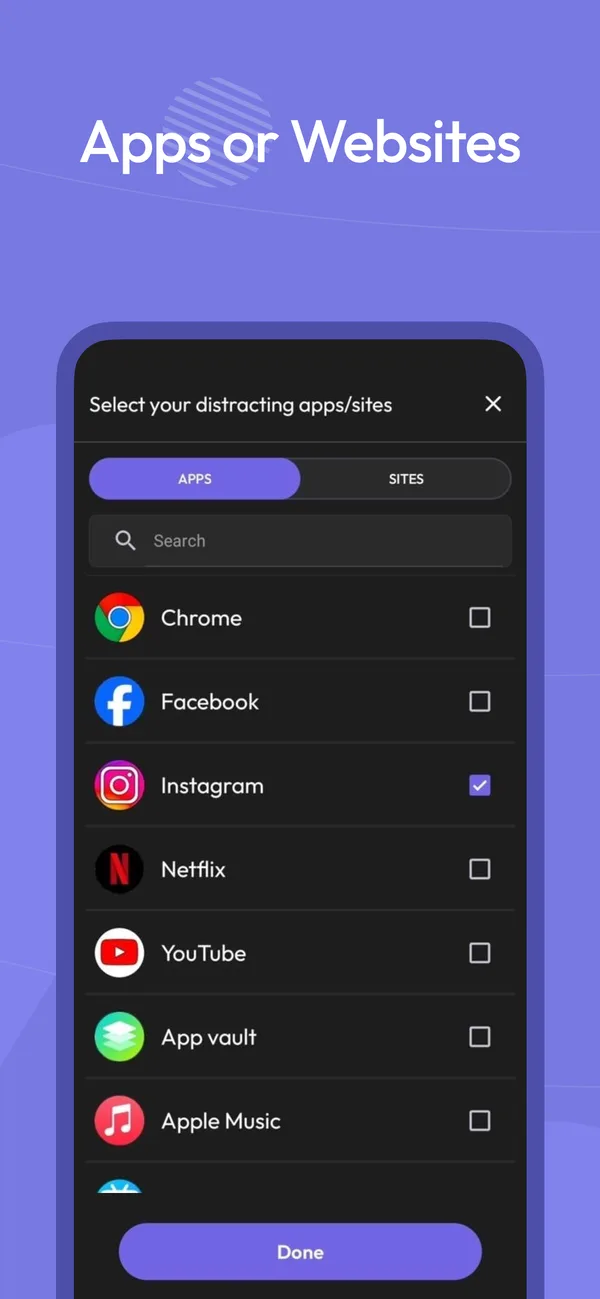
- People who want one free app to rein in everything, on phone and computer.
- Price
- Free to use, with optional donations to support development.
How it works
You wait before an app opens, and the wait grows each time you come back.
Where it shines
- The delay grows with every open, and you can cap how many times a day an app unlocks.
- Prompts like "What are you seeking?" turn each open into a conscious choice.
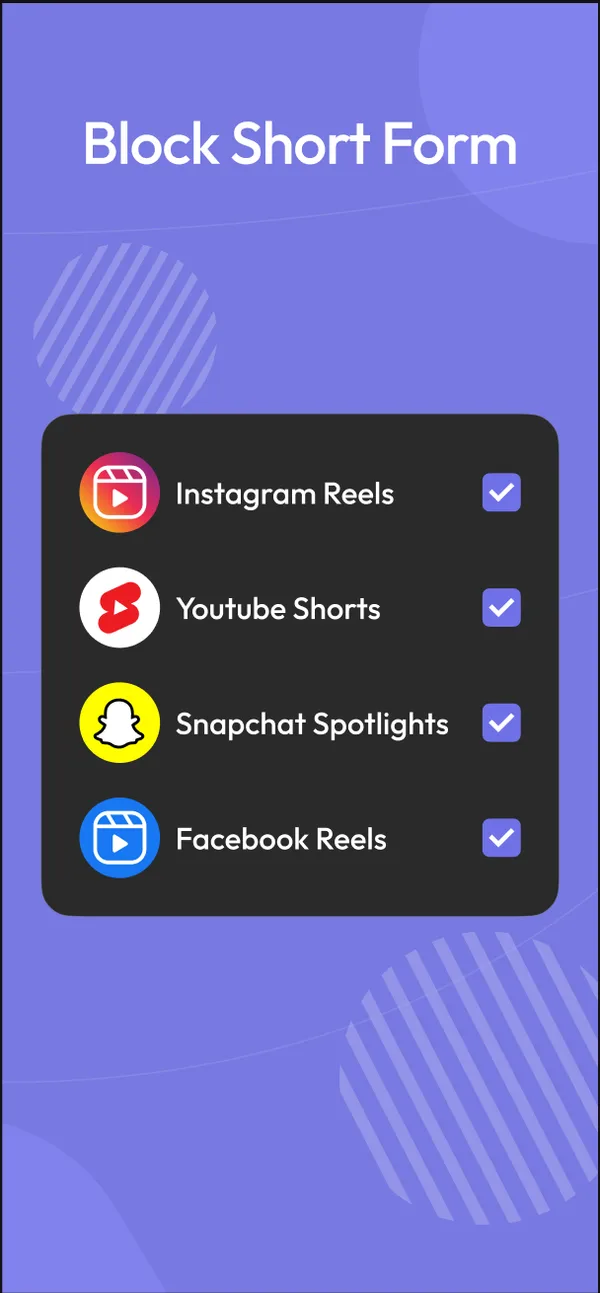
- Free on Android, iOS, macOS and Windows, with Shorts and Reels blocking and streaks.
Where it falls short
- Its approach centres on mindful pauses, limits and blocks; it doesn't offer feed slowdowns or a colored tint overlay.
- No calendar, location or Wi-Fi triggers.
- Usage stats are basic, and only cover the apps you limit.
Our take
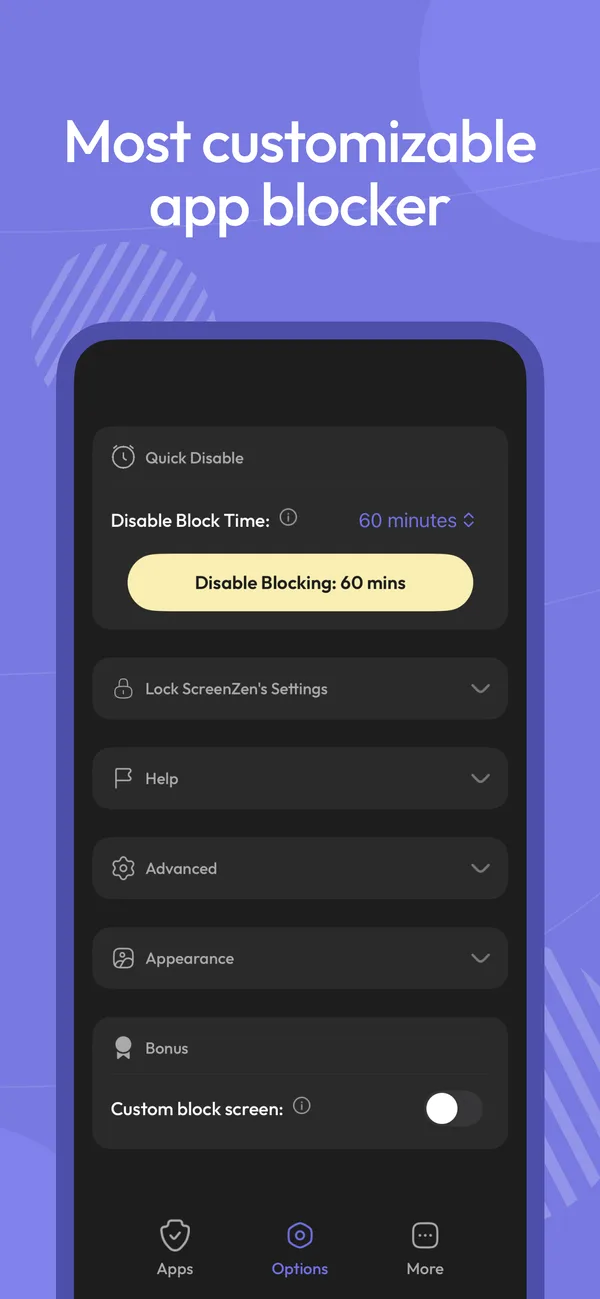
ScreenZen is worth trying if the one-app limit is why you're considering leaving one sec.
Open ScreenZen in Google PlaySources: Google Play listing.
3. AppBlock
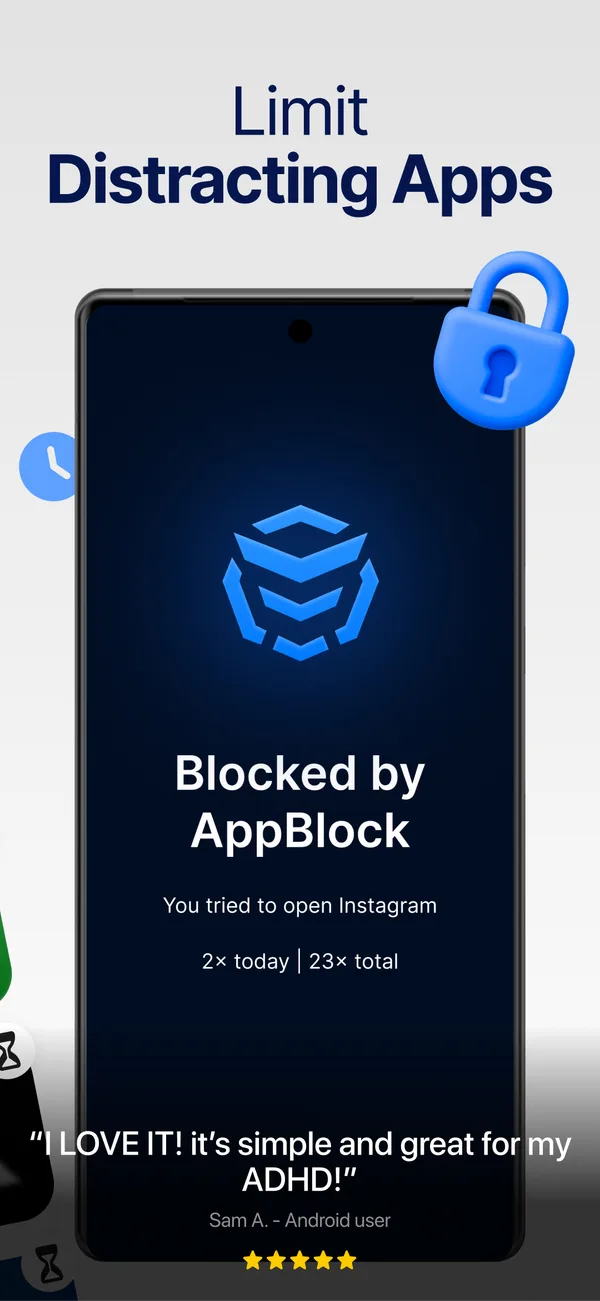
AppBlock blocks access outright, which may help if you find it easy to dismiss a pause.
- Best for
- People who know exactly what they want blocked, and when.
- Price
- Free with tight limits. Premium is a subscription or a lifetime purchase.
How it works
Block instantly, or on a schedule by time, location or Wi-Fi.
Where it shines
- Profiles run by time, day, location or Wi-Fi, so Work mode starts when you arrive.
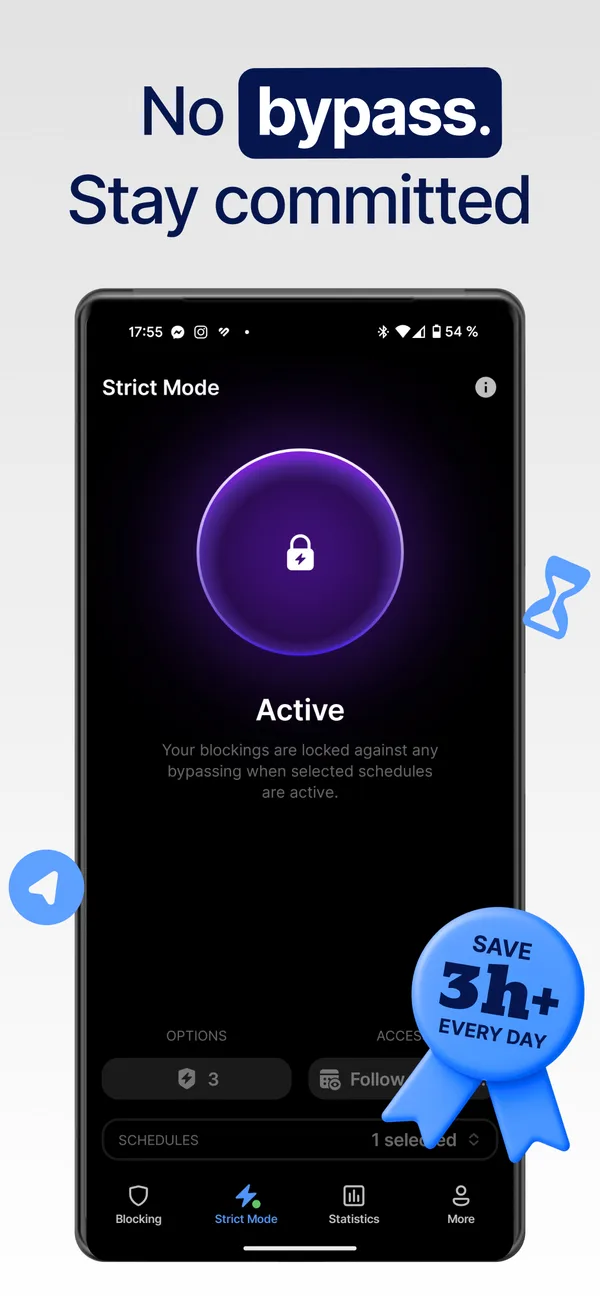
- Strict Mode adds cooldowns and third-party approval, so an impulse can't undo a block.
- Allowlist mode blocks everything except your essentials, for a near-dumbphone.
Where it falls short
- Free schedules cap at 5 apps and 5 sites, and usage limits at 30 minutes a day.
- Its core approach is setting limits and blocking access, rather than slowing a feed or applying a colored tint.
- Free Strict Mode tops out at 24 hours, and some unlock conditions need Premium.
Our take
Moving from a pause to a full block is a substantial change, so consider whether you want to block access entirely before switching.
Open AppBlock in Google PlaySources: Google Play listing, Android blocking conditions, Free and Premium features, Strict Mode settings.
4. StayFree
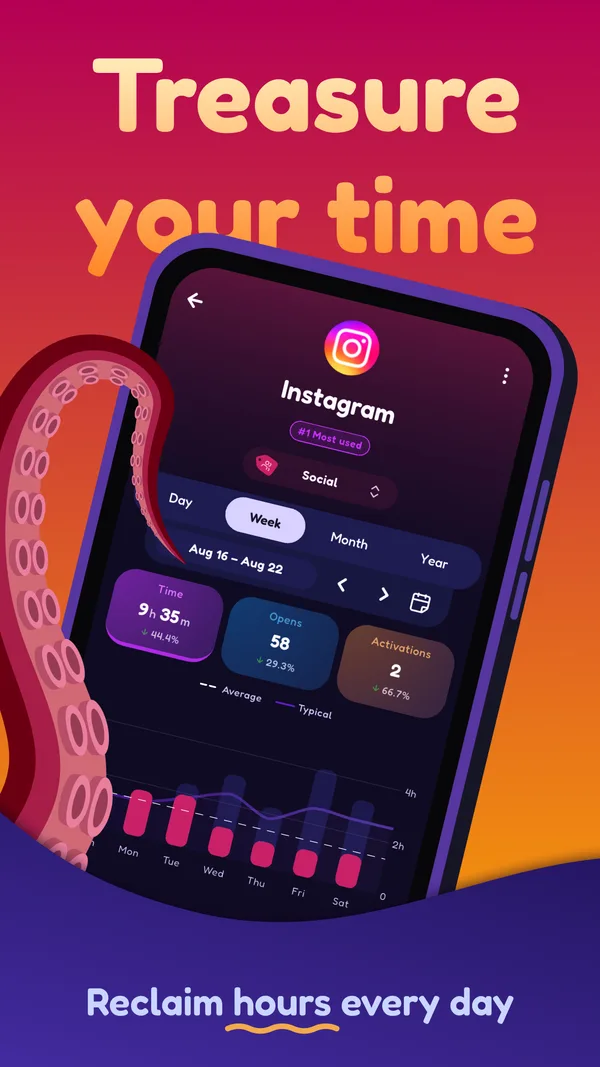
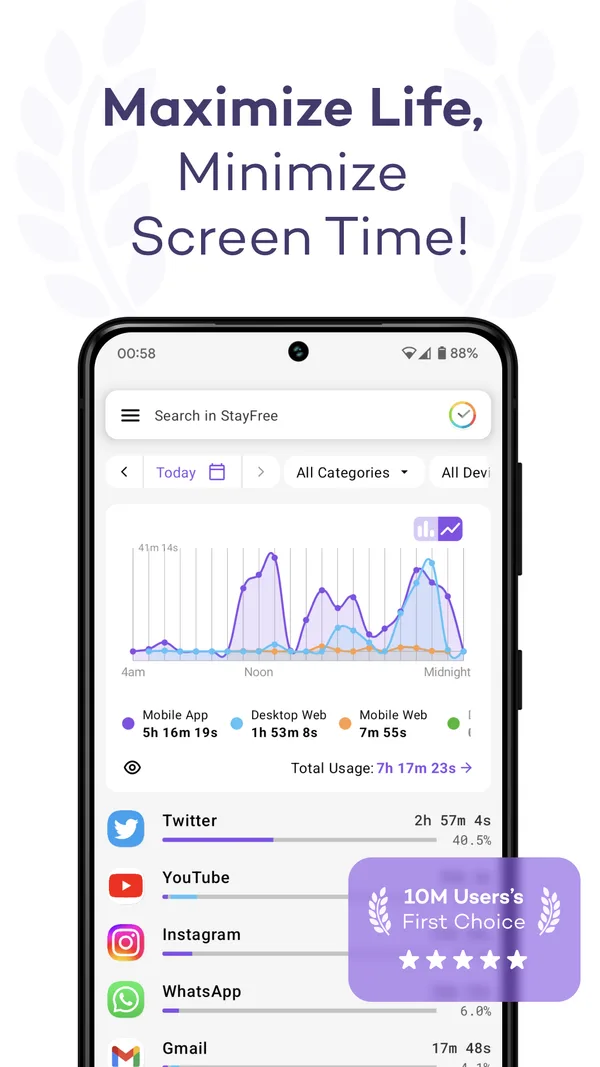
StayFree can help you see whether the app you block with one sec is among the apps you use most.
- Best for
- People who want to see where their time goes before changing anything.
- Price
- Free, with optional Premium. No ads.
How it works
Tracks app and website use on phone, computer and watch, and nudges you when you overdo it.
Where it shines
- The deepest cross-device reports here, including CSV export.
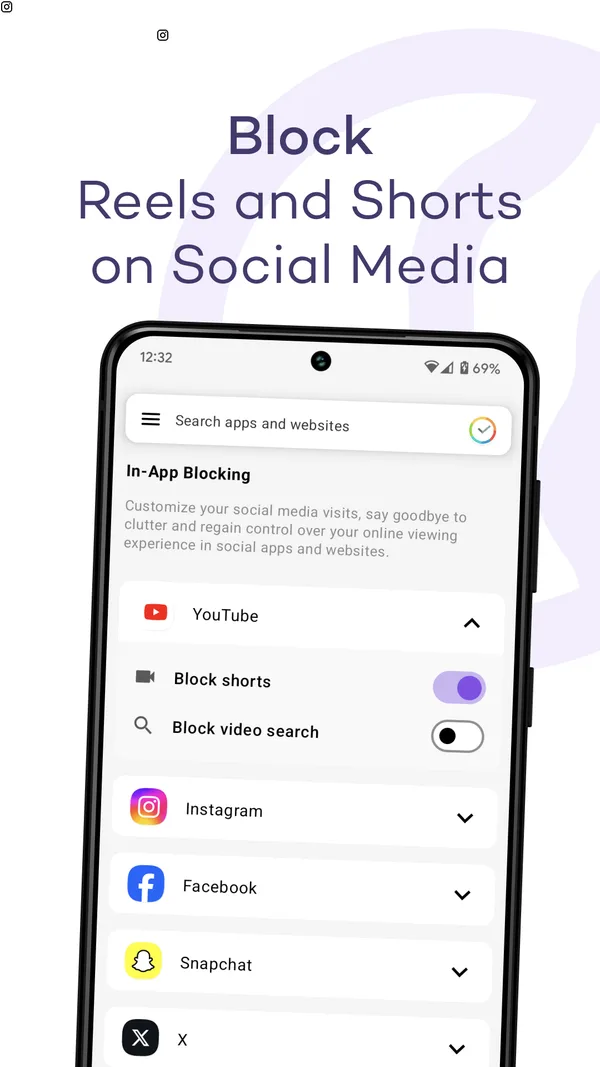
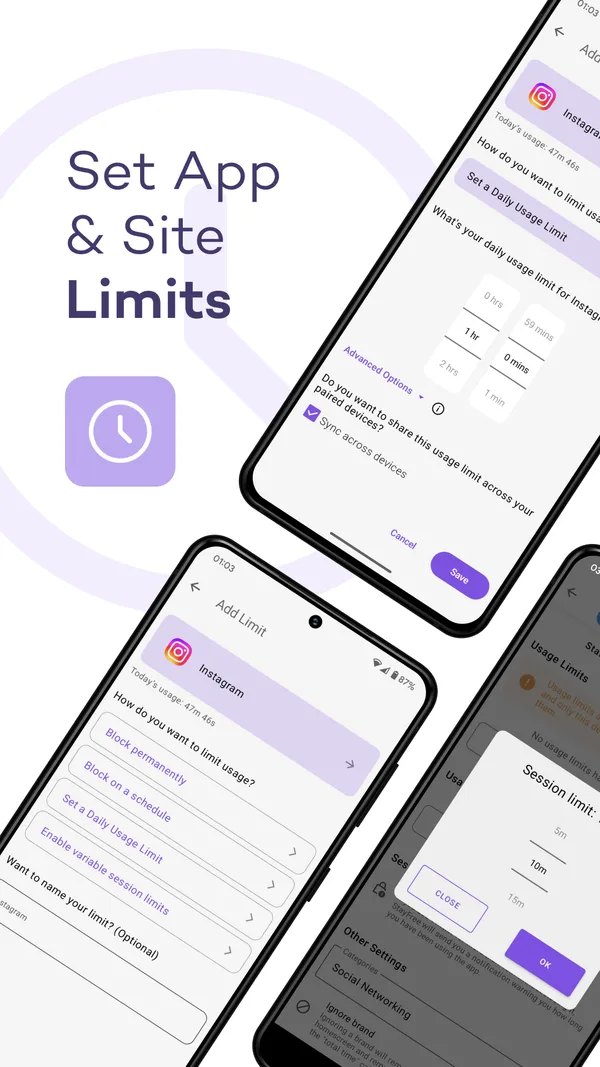
- Daily, session and category limits, plus in-app blocking that hides the most addictive parts of feeds.
- No ads, and no account needed to sync devices.
Where it falls short
- It focuses on tracking, reminders, limits and blocking rather than a pause every time an app opens.
Our take
StayFree offers useful tracking and blocking; consider another app if you want calendar triggers or gradual friction while you scroll.
Open StayFree in Google PlaySources: Google Play listing.
Why are you looking?
- “It’s not just one app, and I don’t want another subscription.” ScreenZen covers every app for free. Screentide’s free rules cover unlimited apps and sites.
- “I take the breath, then scroll for an hour anyway.” The pause only works at the door. Screentide’s Slow and Tint progressively strengthen its colored overlay while you stay.
- “I just switch to the website in Chrome.” one sec can’t intervene in Android browsers. Screentide, ScreenZen and AppBlock all can.
- “I need a real block, not a beta.” AppBlock, or Screentide, whose blocks can be fully strict.
- “One app really is the whole problem.” one sec is a reasonable choice if you want to cut down on one app, and its breathing pause has published study evidence behind it.
The bottom line
one sec may suit you if you want to cut down on opens of a particular app; a six-week study evaluated its breathing prompt and related interventions. If you want help with several apps, browser use or long scrolling sessions, compare it with the other options here.