ScreenZen is very good; if it's working for you, keep it. If you're considering a change, you may want a pause that works differently, rules tied to your calendar or location, or a softer option between pausing and blocking. Here's how the alternatives compare.
Quick comparison
Android only. Tap a cell marked "Some" to see the catch.
- Yes
- Some support
- Paid
- Not verified
- Planned
- No
| Feature |  ScreenZen ScreenZen |  Screentide Screentide |  AppBlock AppBlock |  one sec one sec |  StayFree StayFree |
|---|---|---|---|---|---|
| Android essentials | |||||
| Websites | |||||
| Usage limits | |||||
| Recurring schedules | |||||
| Calendar sync | |||||
| Location triggers | |||||
| NFC / QR triggers | |||||
| Mindful pauses | |||||
| In-app friction | |||||
| Full blocks | |||||
| App usage history | |||||
| Website usage history | |||||
| Usage trends | |||||
| Streaks | |||||
| Also on iOS | |||||
| Price |
View sources
- ScreenZen on Google Play
- ScreenZen website and FAQ
- AppBlock Android help
- AppBlock free and Premium features
- one sec on Google Play
- one sec peer-reviewed six-week study (PNAS)
- What's included in one sec pro
- one sec Android block schedules
- one sec Android Reels and Shorts
- one sec Android website limitations
- StayFree on Google Play
See the full Android feature comparison for more detail on Screentide, ScreenZen, Opal, AppBlock and one sec.
1. Screentide
When the pause stops working, Screentide gives you other kinds of friction.
- Best for
- People whose days don't run to a fixed schedule, and who want more options than pause or block.
- Price
- Free for 3 rules. Gold is a low-cost subscription or a one-time purchase.
How it works
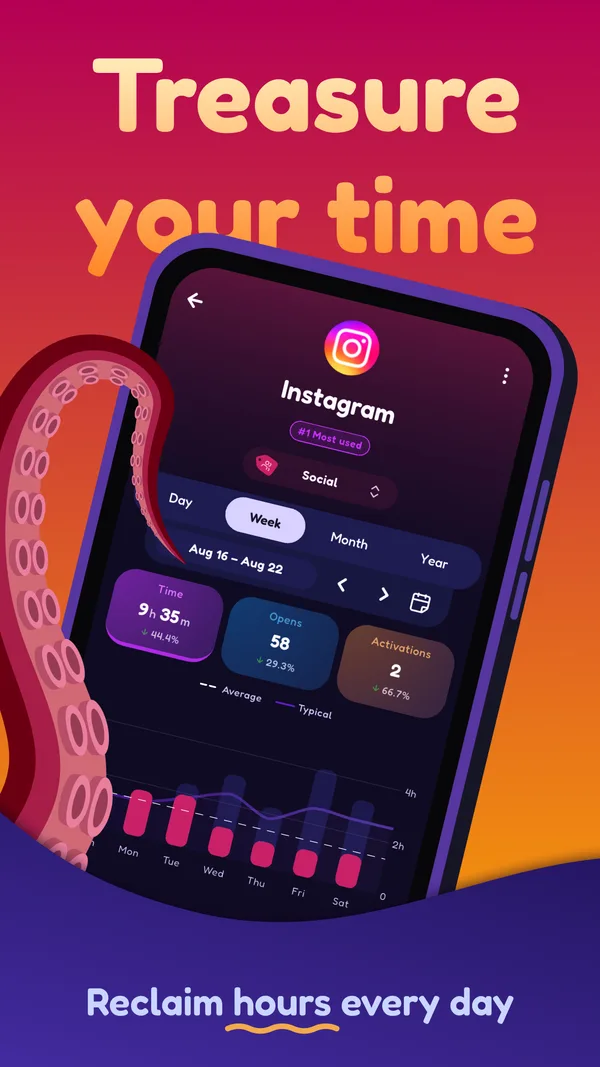
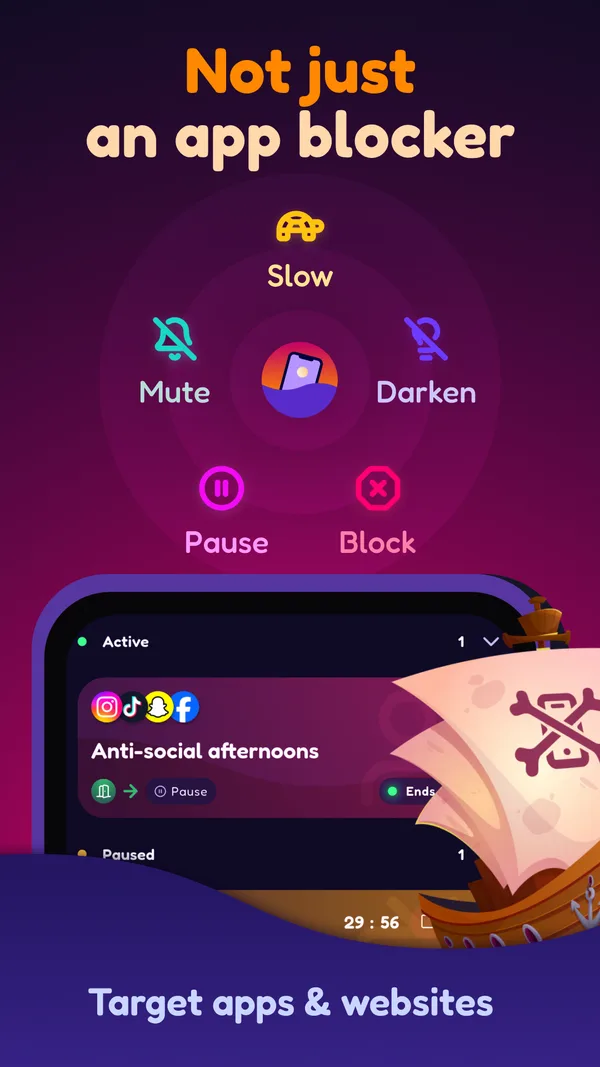
Pick your apps and sites, choose when the rule applies (a schedule, calendar event, usage limit or location), then Slow, Tint, Mute, Pause (with an optional breathing exercise) or Block.
Where it shines
- Screentide offers more than blocks: Slow can reduce video loading in TikTok or Instagram while leaving messaging available.
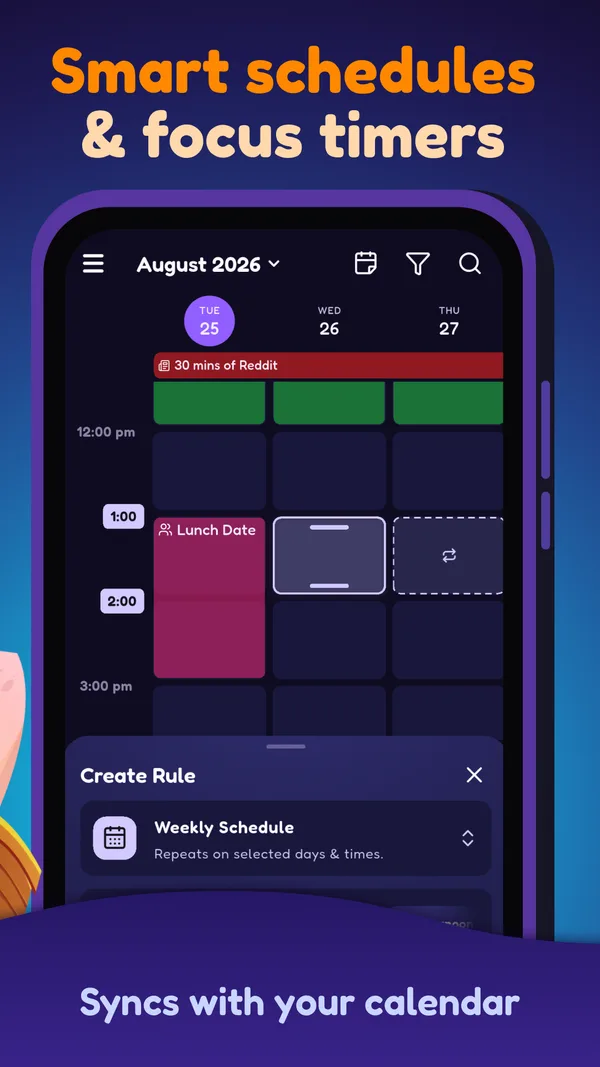
- Calendar Sync runs your rules during your real calendar events, from one lecture to every event titled "meeting", and moves them when those events move.
- Location, Wi-Fi and NFC triggers are free. A rule can start when you reach the office or tap an NFC tag by your bed.
Where it falls short
- No streaks (yet), and no desktop app.
- More than 3 rules needs Gold. ScreenZen is free without limits.
- Shorts and Reels blocking is planned. Slow can add friction to video feeds while keeping messaging available; results can vary by app and connection.
Our take
Consider switching if you often wait out the pause; if it still helps, keep using it.
Open Screentide in Google PlaySources: Google Play listing, Android feature comparison.
2. AppBlock
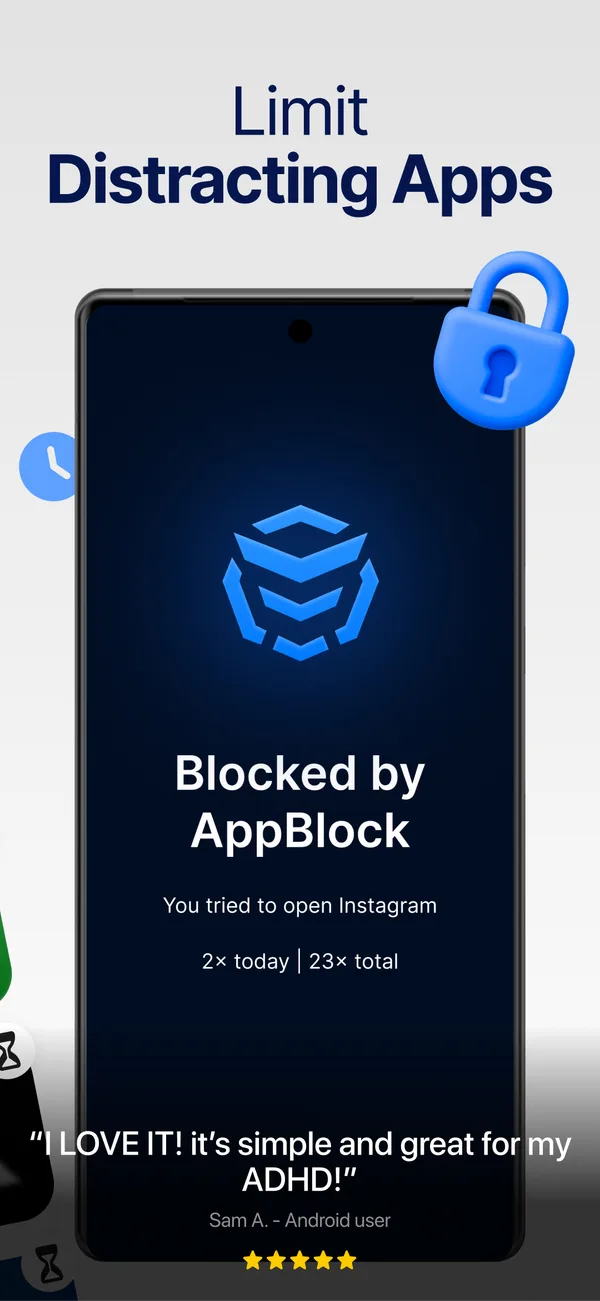
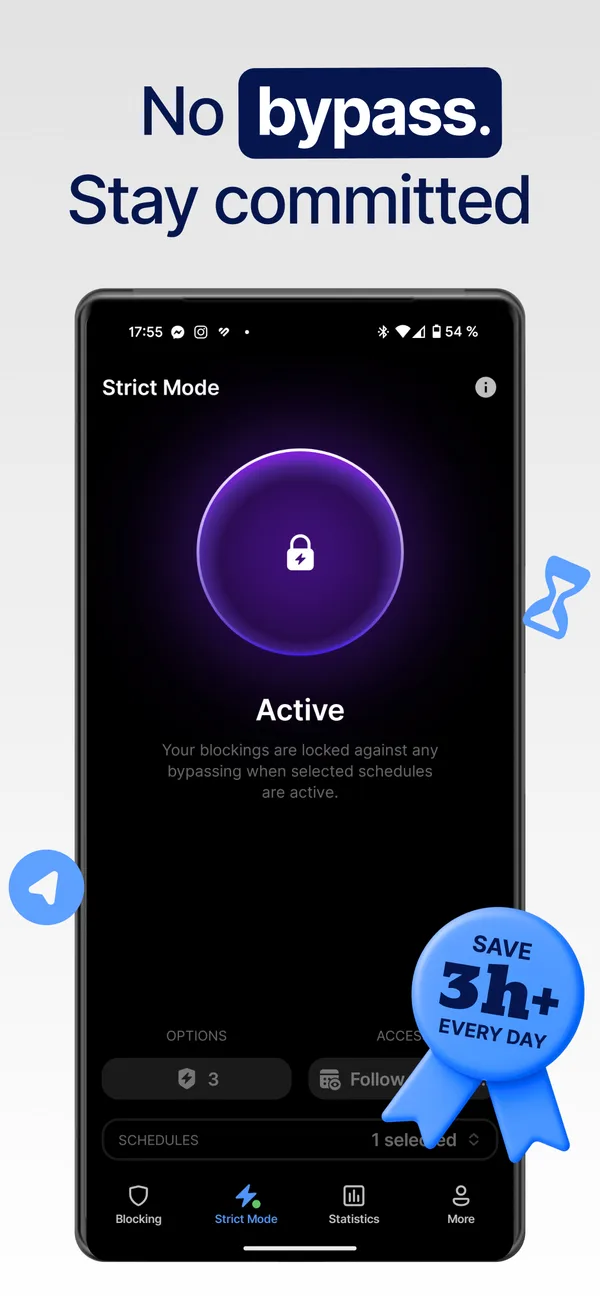
AppBlock blocks access outright, which can help if you'd rather not wait out a pause.
- Best for
- People who know exactly what they want blocked, and when.
- Price
- Free with tight limits. Premium is a subscription or a lifetime purchase.
How it works
Block instantly, or on a schedule by time, location or Wi-Fi.
Where it shines
- Profiles run by time, day, location or Wi-Fi, so Work mode starts when you arrive.
- Strict Mode adds cooldowns and third-party approval, so an impulse can't undo a block.
- Allowlist mode blocks everything except your essentials, for a near-dumbphone.
Where it falls short
- Free schedules cap at 5 apps and 5 sites, and usage limits at 30 minutes a day.
- Its core approach is setting limits and blocking access, rather than slowing a feed or applying a colored tint.
- Free Strict Mode tops out at 24 hours, and some unlock conditions need Premium.
Our take
AppBlock offers a stricter alternative, though some features require Premium.
Open AppBlock in Google PlaySources: Google Play listing, Android blocking conditions, Free and Premium features, Strict Mode settings.
3. one sec
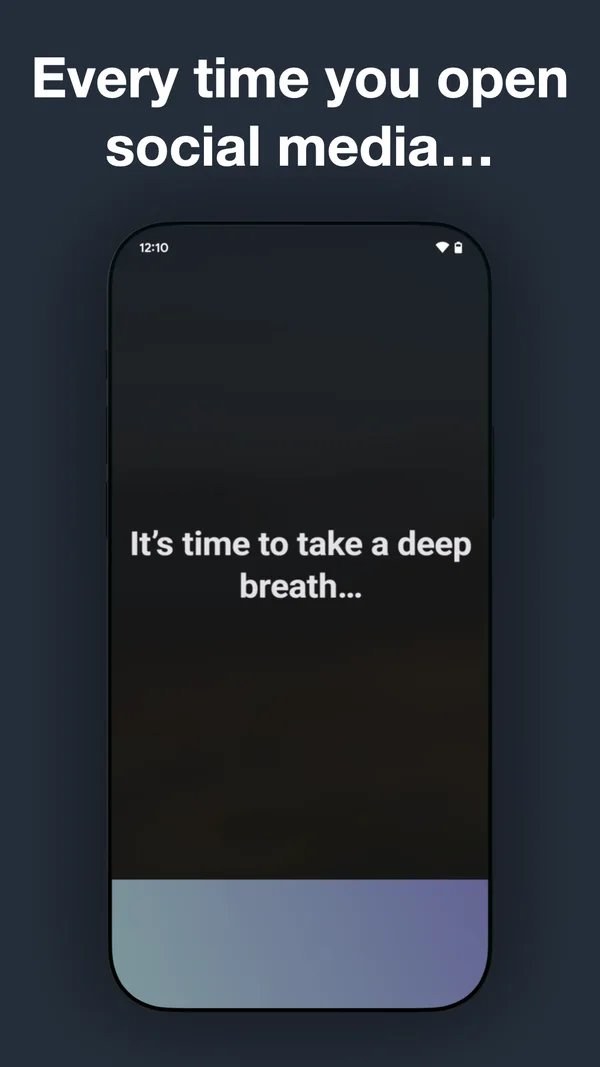
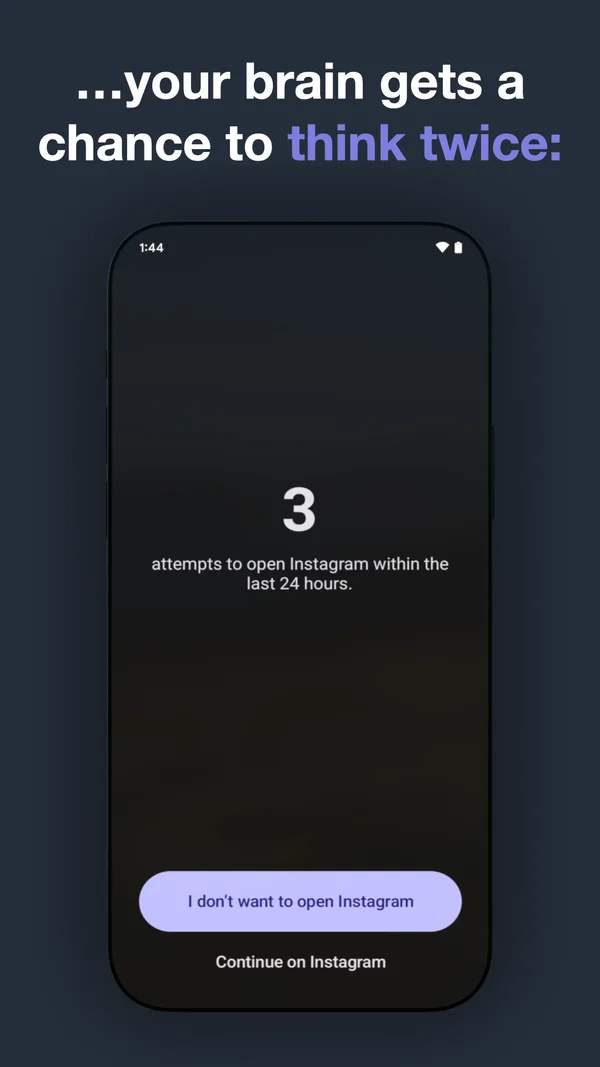
one sec uses a breathing exercise as its pause before opening an app.
- Best for
- People who just want to cut down on one app.
- Price
- Free for one app. Pro is about US$19 a year.
How it works
Opening a target app starts a short breathing exercise first.
Where it shines
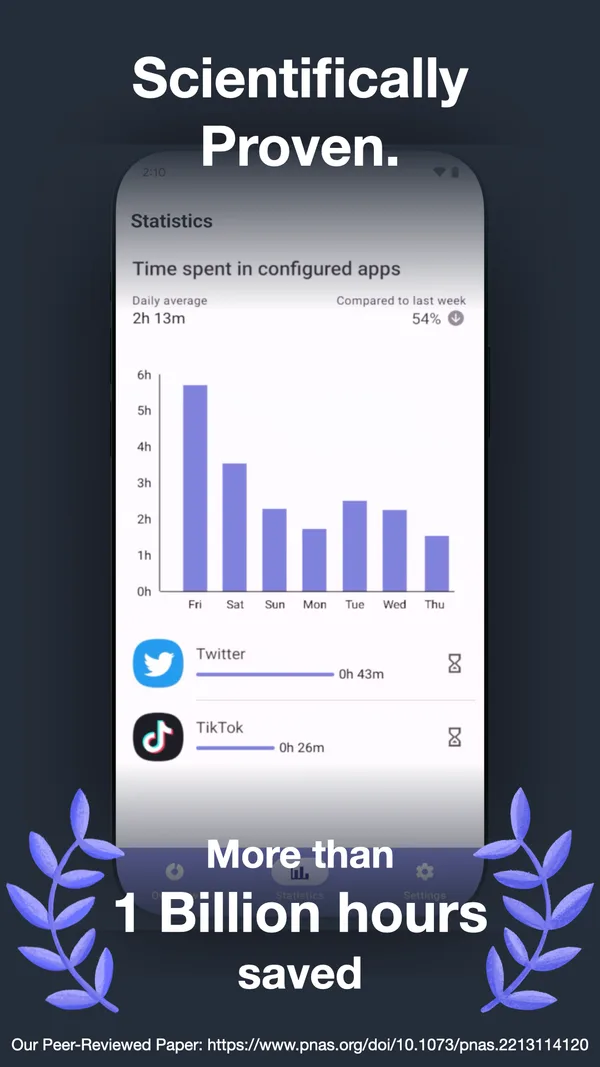
- A six-week study found 57% fewer openings of selected apps by the end among 280 one sec users who completed it. The study tested the full intervention, not breathing alone.
- Intention and emotion check-ins show how each app affects your mood.
- Re-interventions nudge you again when a session runs long.
Where it falls short
- Free covers just one app.
- On Android, pro doesn't include the extra intervention types, website blocking or strict sessions.
- Scheduled blocks on Android are still in beta.
Our take
Worth a try if your problem is mostly one app.
Open one sec in Google PlaySources: Google Play listing, Peer-reviewed six-week study (PNAS), Android block schedules, Android website intervention.
4. StayFree
StayFree can help you check whether ScreenZen's limits match the apps you use most.
- Best for
- People who want to see where their time goes before changing anything.
- Price
- Free, with optional Premium. No ads.
How it works
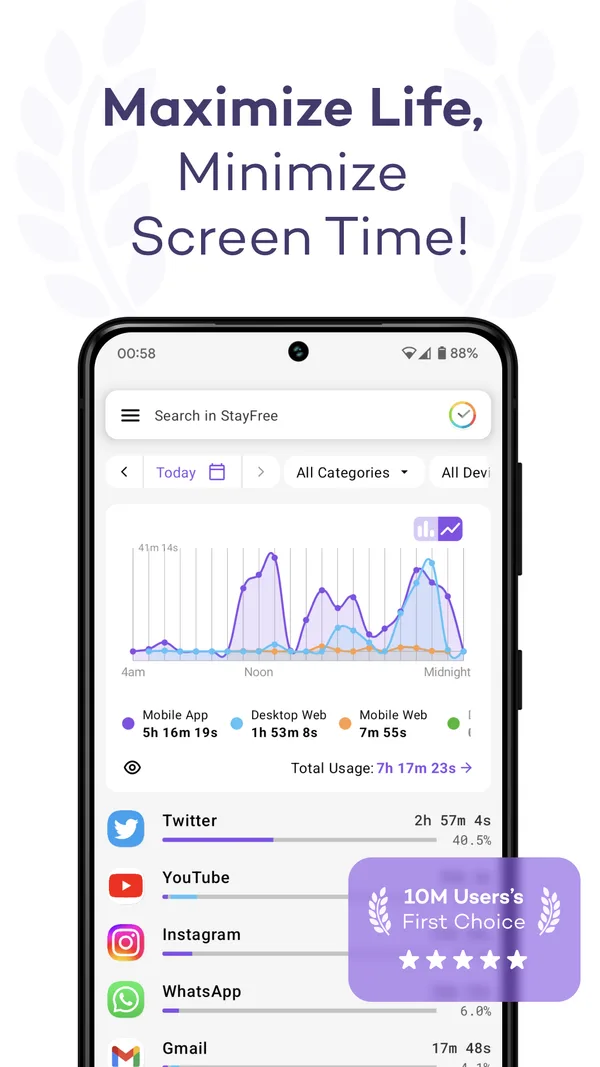
Tracks app and website use on phone, computer and watch, and nudges you when you overdo it.
Where it shines
- The deepest cross-device reports here, including CSV export.
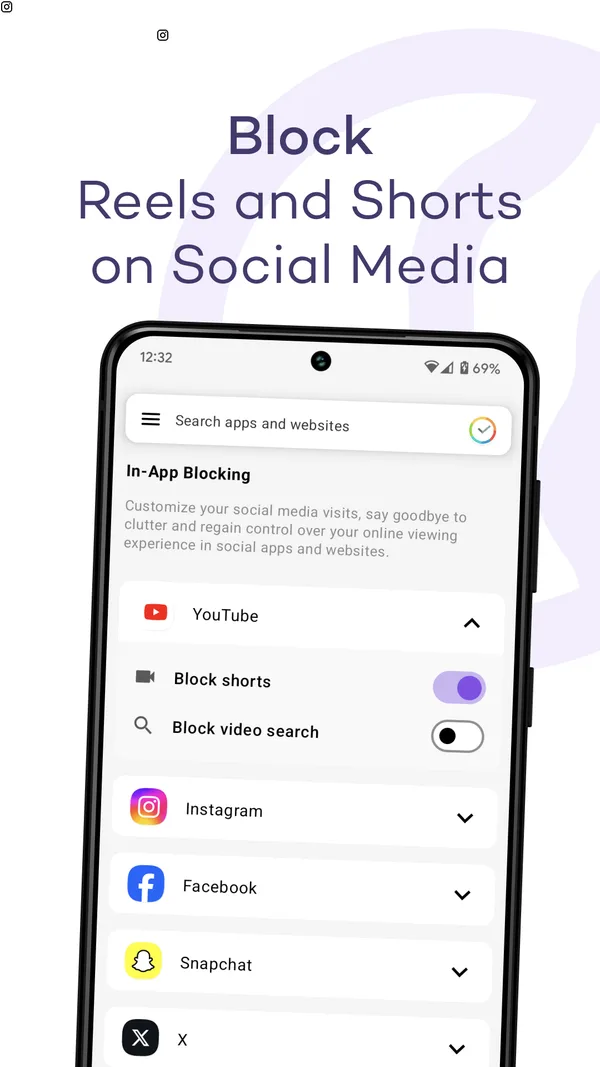
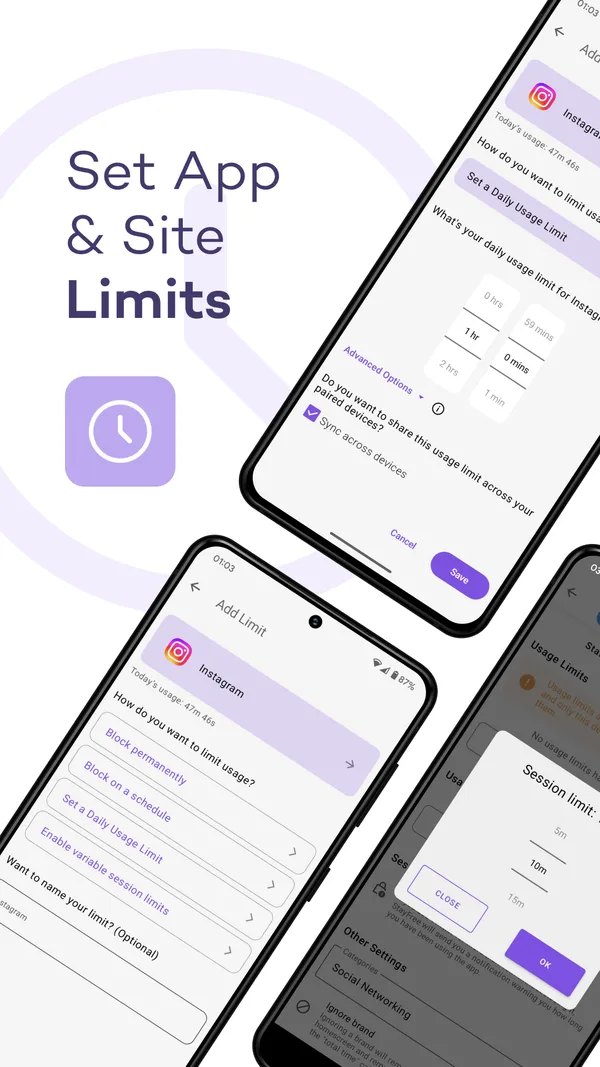
- Daily, session and category limits, plus in-app blocking that hides the most addictive parts of feeds.
- No ads, and no account needed to sync devices.
Where it falls short
- It focuses on tracking, reminders, limits and blocking rather than a pause every time an app opens.
Our take
Run it for a week, then decide.
Open StayFree in Google PlaySources: Google Play listing.
Why are you looking?
- “I just wait out the timer, then scroll anyway.” The pause has become a ritual. Screentide can swap the countdown for a breathing exercise, and its Slow and Tint keep working after you’re in.
- “It stops me even when I actually need the app.” Screentide’s rules can run only during your calendar events or at certain places. With Slow, your messages still get through while the feed crawls.
- “I want some hours where it’s simply off-limits.” AppBlock, or Screentide’s strict blocks.
- “I want to see where my time really goes.” ScreenZen only tracks the apps you limit. StayFree and Screentide show your wider app and website history.
- “I use it on my laptop too.” Stay with ScreenZen. Screentide is Android only.
The bottom line
If ScreenZen’s pause still helps, keep using it. Consider another app if you find yourself waiting out the timer, want rules tied to your schedule or location, or need a stricter block.